

Why You’ll Love This Guide
- Want to save Reddit videos fast without losing quality?
- Looking for anonymous, ad-free tools that work on both Android and iPhone?
- Tired of spammy sites that don’t work or steal data?
If any of that sounds familiar, you’re in the right place. This guide brings you the top 5 Reddit video downloaders that are fast, free, and safe—tested and trusted for 2026.
Reddit is one of the most popular platforms in the world, often called the “front page of the internet.” It’s a unique mix of social media and online forums, where users can post content, ask questions, share opinions, and interact through comments and upvotes.
Reddit is made up of millions of communities called subreddits—each focused on a specific topic. Whether it’s technology, memes, fitness, movies, gaming, finance, or even niche hobbies like bird photography, there’s a subreddit for it.
What makes Reddit special is:
- Real conversations with real people, not just influencers
- Fresh content every second—news, trends, and discussions
- Short videos, funny clips, tutorials, and life hacks
- Upvote/downvote system—the best content rises to the top
Why Download Videos from Reddit?
Reddit is full of valuable or entertaining videos—but sadly, it doesn’t have a native “Download” button like some platforms.
Maybe you find:
- A funny moment you want to share offline
- A DIY hack or tutorial you’ll need later
- An inspiring video worth saving in your gallery
That’s where Reddit video downloaders come in. They let you save any Reddit-hosted video directly to your phone (Android or iPhone) quickly, easily, and without needing any app.
Benefits of Using Reddit Video Downloaders
Downloading Reddit videos isn’t just about convenience—it’s also about control, quality, and privacy. Here’s why more users are choosing to use Reddit video downloaders in 2026:
Offline Access
You can save your favorite videos directly to your phone or tablet and watch them anytime—even without an internet connection. Perfect for long trips, slow Wi-Fi zones, or just saving something funny to share with friends later.
No Ads or Watermarks
Unlike some social platforms, many downloaders give you a clean version of the video—no ads, no watermarks, and no pop-up distractions. What you save is exactly what was posted.
Fast Downloads
Most tools let you download a Reddit video in just a few seconds. No long waits, buffering, or loading issues. It’s quick and smooth, even for longer clips.
Privacy-Focused
You don’t need to log in, create an account, or enter any personal details. These tools are designed for anonymous use, making them a safe choice for privacy-conscious users.
HD Quality Support
Many modern downloaders offer video downloads in 720p, 1080p, or higher—so you’re not stuck with blurry or pixelated content. You get to enjoy crystal-clear videos, just like they appear on Reddit.
How to Download Reddit Videos (Step-by-Step)
Downloading Reddit videos is super simple, even if you’ve never done it before. You don’t need to install any special app—just use your phone’s browser and a good Reddit video downloader.
Here’s the step-by-step guide to save any Reddit video on Android or iPhone:
Step 1: Copy the Reddit Video Link
- Open the Reddit app or website.
- Find the video you want to save.
- Tap the “Share” button, then choose “Copy Link.”
- This will copy the exact URL of the Reddit post that contains the video.
Tip:
- Make sure the video is hosted on Reddit (not YouTube or an external site), as most downloaders only support native Reddit videos.
Step 2: Open a Reddit Video Downloader Tool
- Open your browser (Chrome for Android, Safari for iPhone).
- Visit any of the trusted tools mentioned below (like Redditsave.com, Viddit.red, etc.).
- Once on the site, you’ll see a search box.
- Paste the link you copied from Reddit into that box.
Pro Tip:
- Some tools auto-detect the video once you paste the link—no extra steps needed.
Step 3: Download Your Video
- After pasting the link, tap “Download” or “Submit.”
- The tool will process the link and give you download options like MP4, HD, or audio-only.
- Choose your preferred format and tap the “Download” button again.
- Your video will start saving directly to your Downloads folder or Gallery, depending on your phone.
That’s it! Now you have the video saved offline—ready to watch, share, or repost anytime.
Top 5 Reddit Video Downloaders for Android & iPhone
Here’s are the best Reddit Video Downloaders
1. Redditsave.com
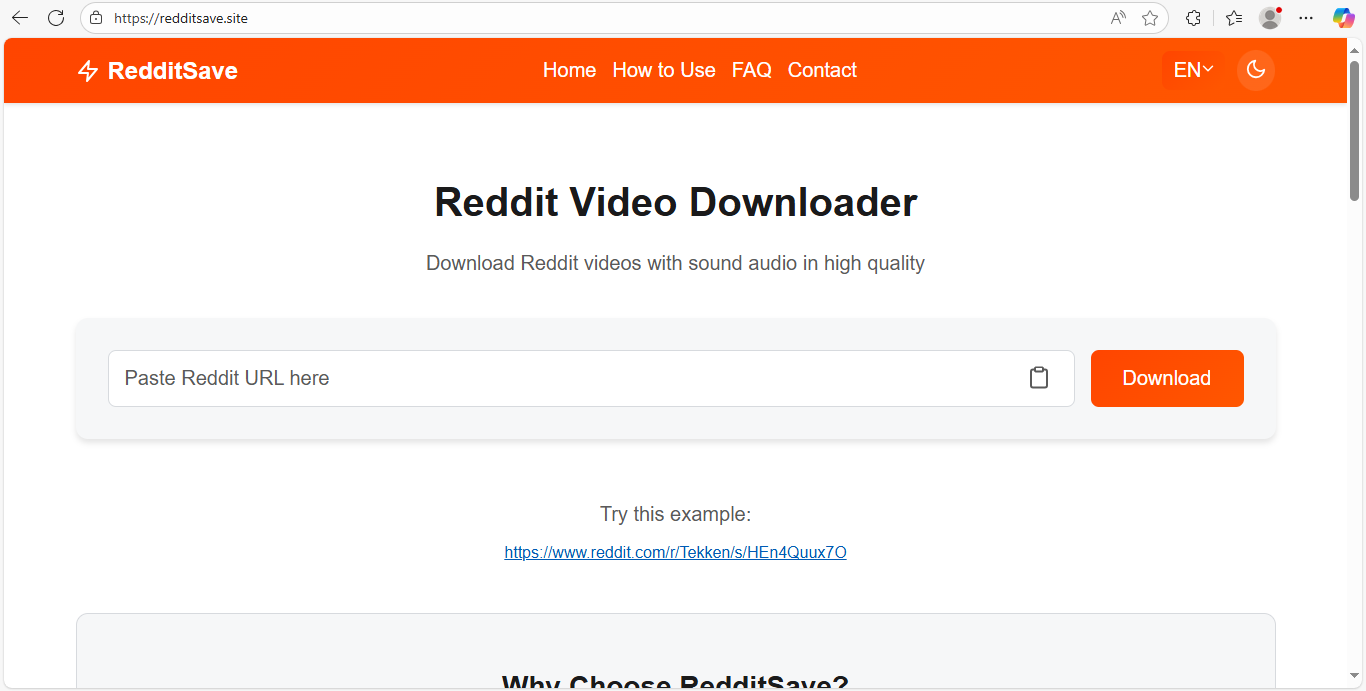
Redditsave.com is one of the oldest and most reliable Reddit video downloaders, launched around 2019 by a solo developer passionate about open access to social media content. It quickly gained popularity on Reddit forums and tech blogs for its clean interface and fast performance. With millions of users worldwide, it’s become a go-to choice for people who want a no-nonsense, ad-free experience.
Best For:
A clean, ad-free experience without distractions
Key Features:
- Automatically detects video + audio
- Downloads in high-quality MP4 format
- Mobile-friendly and super fast
- No registration or login required
- Works smoothly on both Android and iPhone browsers
Platform Compatibility:
- Android,
- iPhone,
- and desktop browsers
Speed:
Very fast—downloads usually complete within seconds
Privacy:
100% anonymous, no personal data collected
Why Users Love It:
- Redditsave.com is ideal for users who want a simple, no-fuss tool.
- It’s free of pop-ups, doesn’t force redirects, and focuses on one thing only:
- Downloading Reddit videos quickly and cleanly.
Pros:
- Sleek and minimal design makes it beginner-friendly
- Automatically merges video and audio streams
- No annoying ads or watermarks on downloaded videos
- Fully optimized for mobile browsers—no need to install anything
- Zero login or account required, so your privacy stays protected
Cons:
- Doesn’t offer multiple download quality options (only default resolution)
- Only works with Reddit-hosted videos—won’t process YouTube or other third-party links embedded in Reddit posts
2. Viddit.red
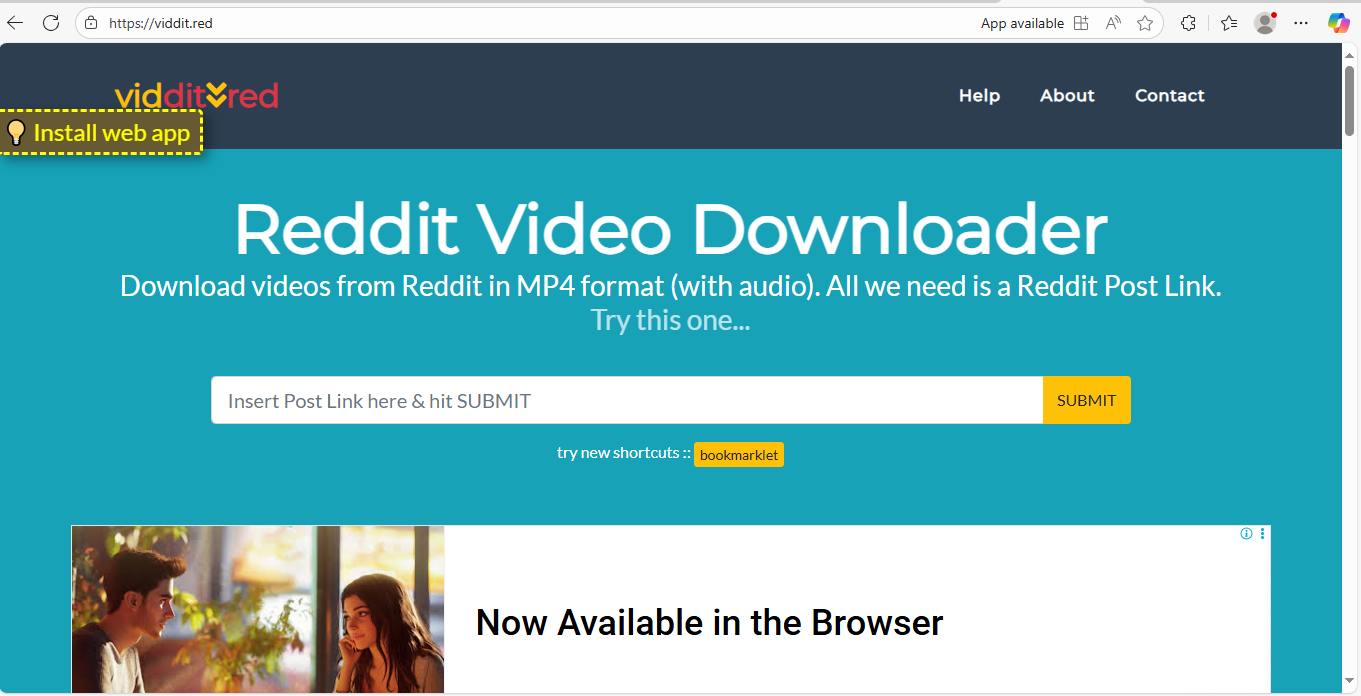
Viddit.red appeared shortly after Redditsave, likely in the 2020–2021 range, and quickly grew its user base thanks to its ability to merge video and audio streams automatically—something many early tools struggled with. It’s especially loved by users who save funny or music-filled Reddit videos. While its design is basic, its functionality and reliability have earned it a large and loyal following.
Best For:
Downloading Reddit videos with audio, including music and voiceovers
Key Features:
- Supports both MP4 (video) and MP3 (audio-only) downloads
- Auto-merges video and audio for a complete clip
- Works seamlessly on both Android and iPhone browsers
- No login or account needed—fully anonymous use
- Handles high-res videos with smooth processing
Platform Compatibility:
- Mobile
- and desktop browsers
Security:
No personal data collected, cookies are minimal
Bonus Tip:
Ideal for saving funny Reddit meme videos or trending clips that include music or commentary
Pros:
- Lets you choose between video (MP4) or audio-only (MP3) formats
- Automatically joins video and audio—no editing required
- Handles long and high-resolution videos without freezing
- Fully mobile-optimized—smooth experience on Safari and Chrome
- Free to use without any sign-up
Cons:
- Slightly more ads compared to other clean tools like Redditsave
- Doesn’t work well with private or deleted Reddit posts
- The design and interface look a bit outdated (though functional)
3. RedLoad.io
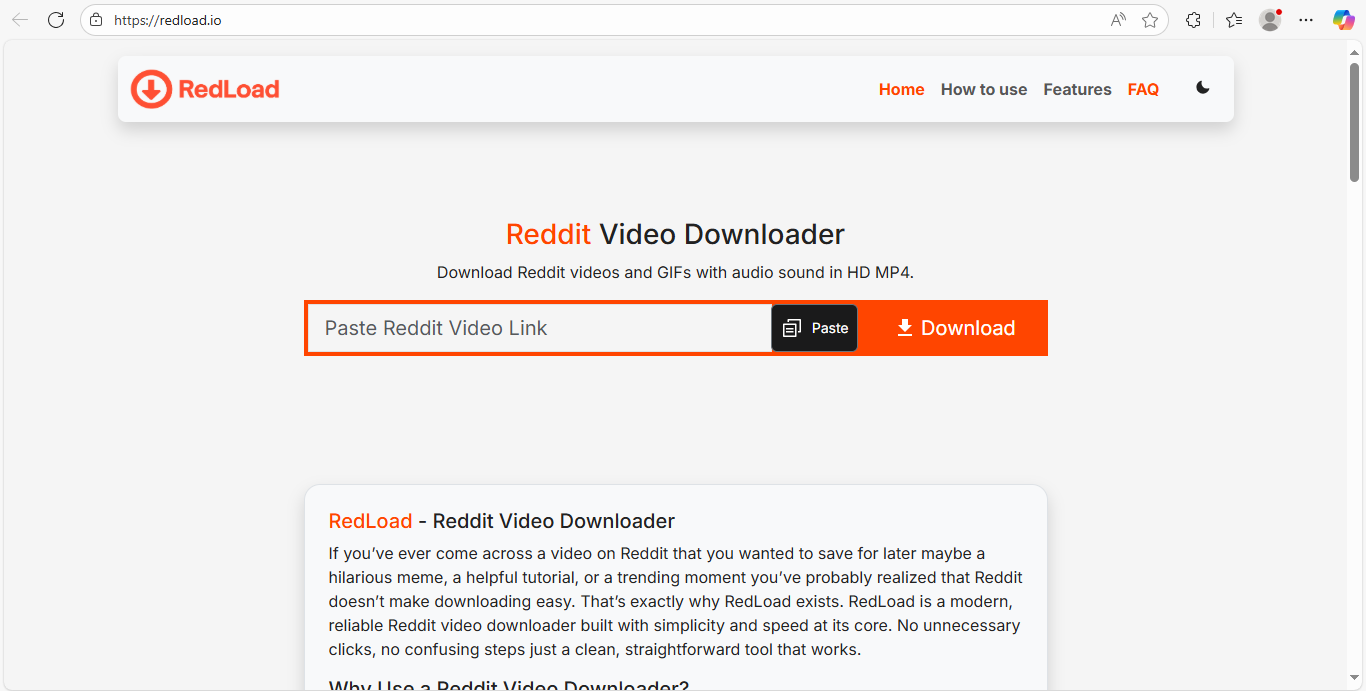
RedLoad.io was launched in early 2024 by a small team of privacy-focused indie developers (founder name not publicly disclosed) who wanted to simplify how Reddit videos are downloaded—especially those with split audio and video streams. Since its launch, RedLoad.io has attracted thousands of monthly users, largely through word-of-mouth and Reddit communities. Its no-login, no-tracking, and ad-free design has made it a popular choice for users looking for a fast, secure, and HD-quality downloader without distractions.
Best For:
Fast, clean, hassle-free Reddit video downloads (even with separate audio streams)
Key Features:
- Downloads Reddit-hosted videos and GIFs in HD MP4, with audio auto-merged, even when Reddit splits the streams.
- Zero ads, watermarks, or pop-ups—just a clean experience.
- Paste the URL, hit download, and you’re done—no technical steps or login needed.
- Works flawlessly on both Android and iPhone browsers, as well as desktop.
- Web-based tool—no need to install apps or extensions.
Platform Compatibility:
- Fully responsive and optimized for Chrome,
- Safari, and all modern mobile/desktop browsers.
Privacy & Security:
- No account or personal info needed.
- No tracking, no cookies, no saved links—you stay anonymous.
Pros:
- Retrieves full HD MP4 videos (with audio), including complex Reddit media posts.
- One of the cleanest interfaces—minimalist, intuitive, and fast.
- Works on any device—no limitations for iPhone or Android.
- No ads, no redirects, no installation required.
Cons:
- No option for audio-only downloads (e.g., MP3).
- Doesn’t allow manual resolution selection—downloads the highest available quality by default.
- Like most online tools, it’s slightly vulnerable to changes in Reddit’s API or hosting rules.
4. SnapReddit.app
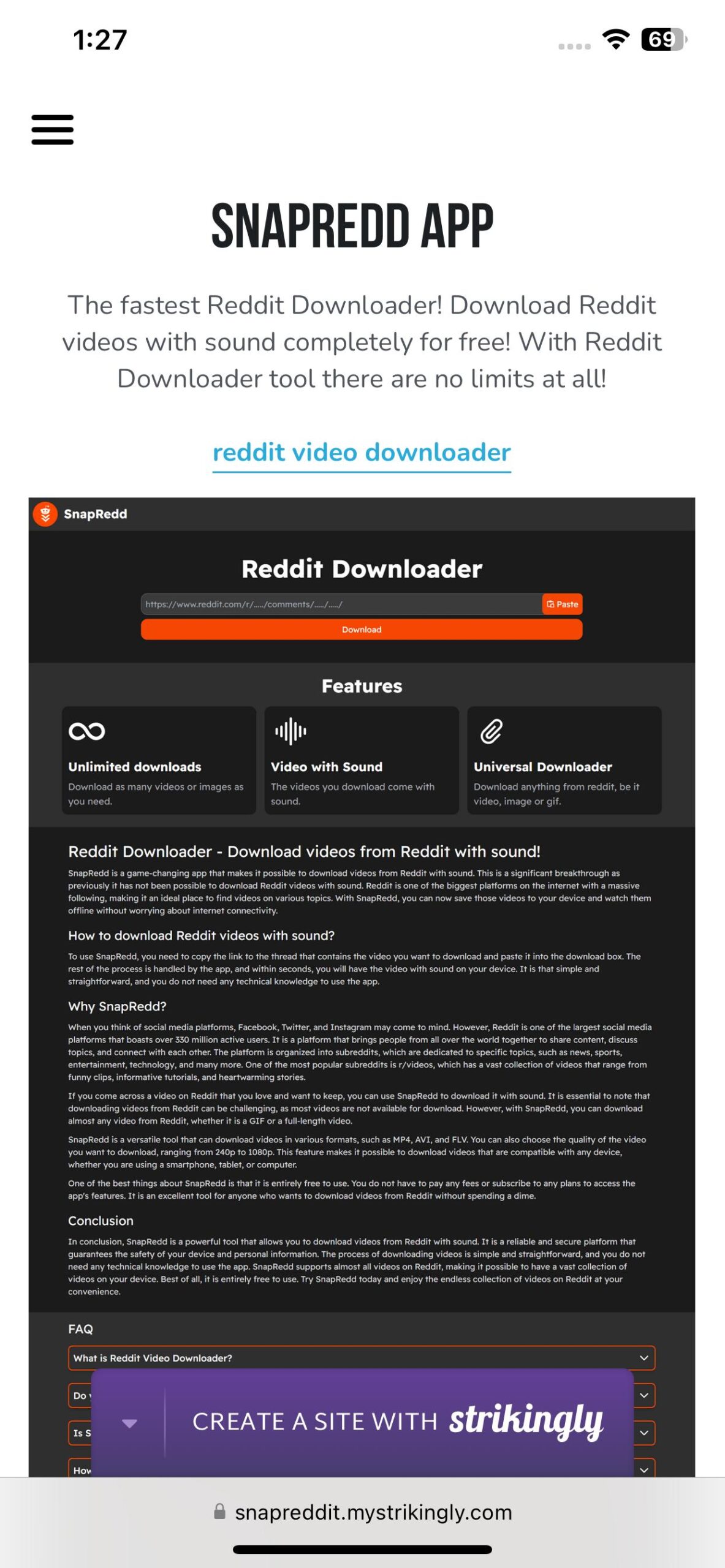
SnapReddit.app emerged in the privacy-first wave of tools around 2023, appealing to users who value anonymous downloads without popups or account creation. Its standout feature—converting Reddit-hosted GIFs into MP4—helped it grow rapidly among meme sharers and Reddit fans. Though likely created by a small team or solo dev, its sleek UI and clean design continue to win over new users every day.
Best For:
Users who want private, anonymous downloads with a clean design
Key Features:
- No watermark on saved videos—get clean, original content
- Supports GIF-to-MP4 conversion (great for saving memes or animations)
- Fully responsive and works smoothly on Android and iPhone browsers
- No account, no login, no tracking—completely anonymous
- Designed for speed and simplicity with a sleek UI
Platform Compatibility:
Mobile-first design (works perfectly in Chrome and Safari)
Privacy:
Zero tracking, cookie-light, and anonymous downloads
Cool Part:
You can convert and download Reddit-hosted GIFs as high-quality MP4 videos—great for reposting or sharing
Pros:
- No watermark—download exactly what was posted
- Converts Reddit GIFs to MP4 with one click
- No sign-ups, logins, or trackers—just paste the link and go
- Minimalist design that’s easy to navigate on any mobile device
- Lightweight and doesn’t slow down your phone or browser
Cons:
- Can slow down during peak hours due to high usage
- No batch downloads—you’ll need to download one video at a time
- Audio merging can take a few seconds longer compared to other tools
5. Reddown.app
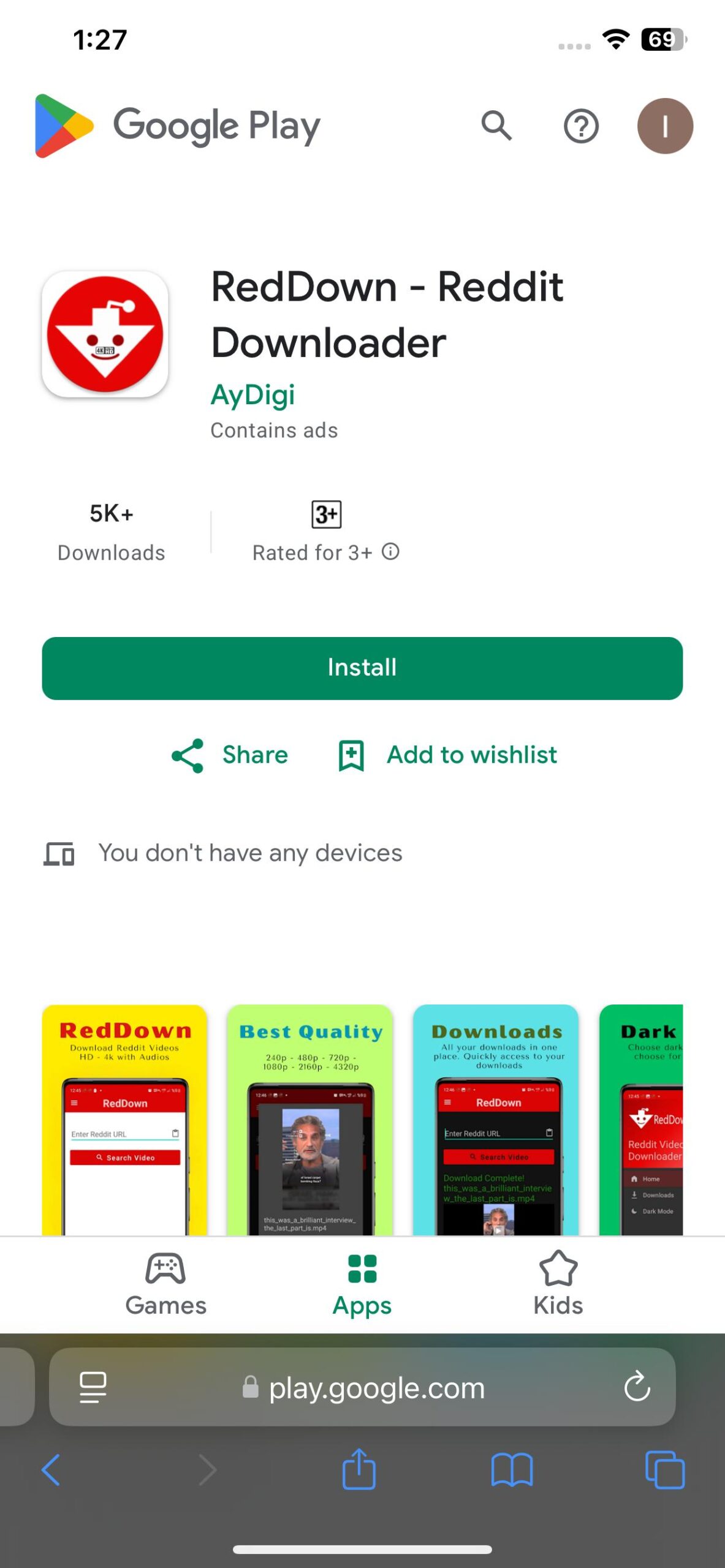
Reddown.app is one of the newest tools on the list, gaining attention in 2025–2026 for its lightning-fast performance and ultra-simple user experience. Built for mobile, it automatically detects Reddit links and saves them with a single tap—no options, no confusion. It’s become a favorite for first-time users and mobile Redditors, especially those looking for quick, no-hassle downloads without technical steps.
Best For:
Users who want quick, one-tap Reddit video downloads with zero hassle
Key Features:
- Instantly detects Reddit links and processes them
- One-click save—no extra steps, menus, or confusion
- Works smoothly on both Android and iPhone (Safari, Chrome)
- No login, no account, and doesn’t track or store your links
- Designed for speed and simplicity, perfect for beginners or casual users
Platform Compatibility:
Fully mobile-ready for Chrome (Android) and Safari (iOS)
Privacy:
No link storage, tracking, or data collection
Why People Use It:
Arguably the fastest and most beginner-friendly tool for Reddit video downloads in 2026
Pros:
- Super-fast download speed—ideal for quick saves
- Automatically detects Reddit links without needing manual pasting
- Simple, 1-tap download function offers a smooth user experience
- Fully optimized for mobile browsers—no app or clutter
- Doesn’t require logins or permissions
Cons:
- No resolution options—downloads in default quality only
- Doesn’t offer MP3 or audio-only downloads
- Interface is very basic—no customization or advanced settings
Final Thoughts
In 2026, downloading Reddit videos has never been easier. You no longer need to install sketchy apps, create accounts, or deal with endless ads just to save a short clip. With the tools we covered, you can now download any Reddit video straight to your Android or iPhone—quickly, safely, and completely free.
Whether you’re saving:
- A hilarious meme to show friends
- A motivational video to watch later
- A tutorial or DIY trick you don’t want to lose
—these downloaders have you covered. - Each of the top 5 tools offers something unique—from fast one-tap downloads to HD video quality and GIF conversion. You can pick the one that fits your needs and start building your offline Reddit video library today.
- No logins. No apps. No stress. Just copy the Reddit link, open your favorite downloader, and save the video in seconds.
- Now go ahead—find that clip, copy the link, and keep your favorite Reddit content right on your phone to enjoy anytime, anywhere.
Frequently Asked Questions (FAQs)
Are Reddit video downloaders legal?
Yes, as long as you’re downloading videos for personal use and not redistributing or monetizing them.
Can I use these tools without installing any app?
Absolutely. All 5 tools are web-based and don’t require installation.
Do these downloaders work on iPhone?
Yes. Just open Safari, paste the link, and download the video. Some may ask you to “Download File”—just confirm it.
Is audio included in downloaded Reddit videos?
Most tools (like Viddit.red and Redditsave.com) merge audio and video for you automatically.
Is there a file size limit?
No major limits. Just make sure your phone has enough storage space.

