

Featured Social Media Software:
How to Unpin Someone on Snapchat: A Complete Guide
Snapchat is a popular social platform where users connect via short-lived conversations, photos, and videos. One of its handy features is the ability to pin chats for quick access to frequently contacted people. However, there may come a time when you need to unpin someone due to changing priorities or reduced interaction. This article will walk you through how to unpin someone on Snapchat and explore related functions like managing BFFs, pinning conversations, and other nuances of the pinning feature.
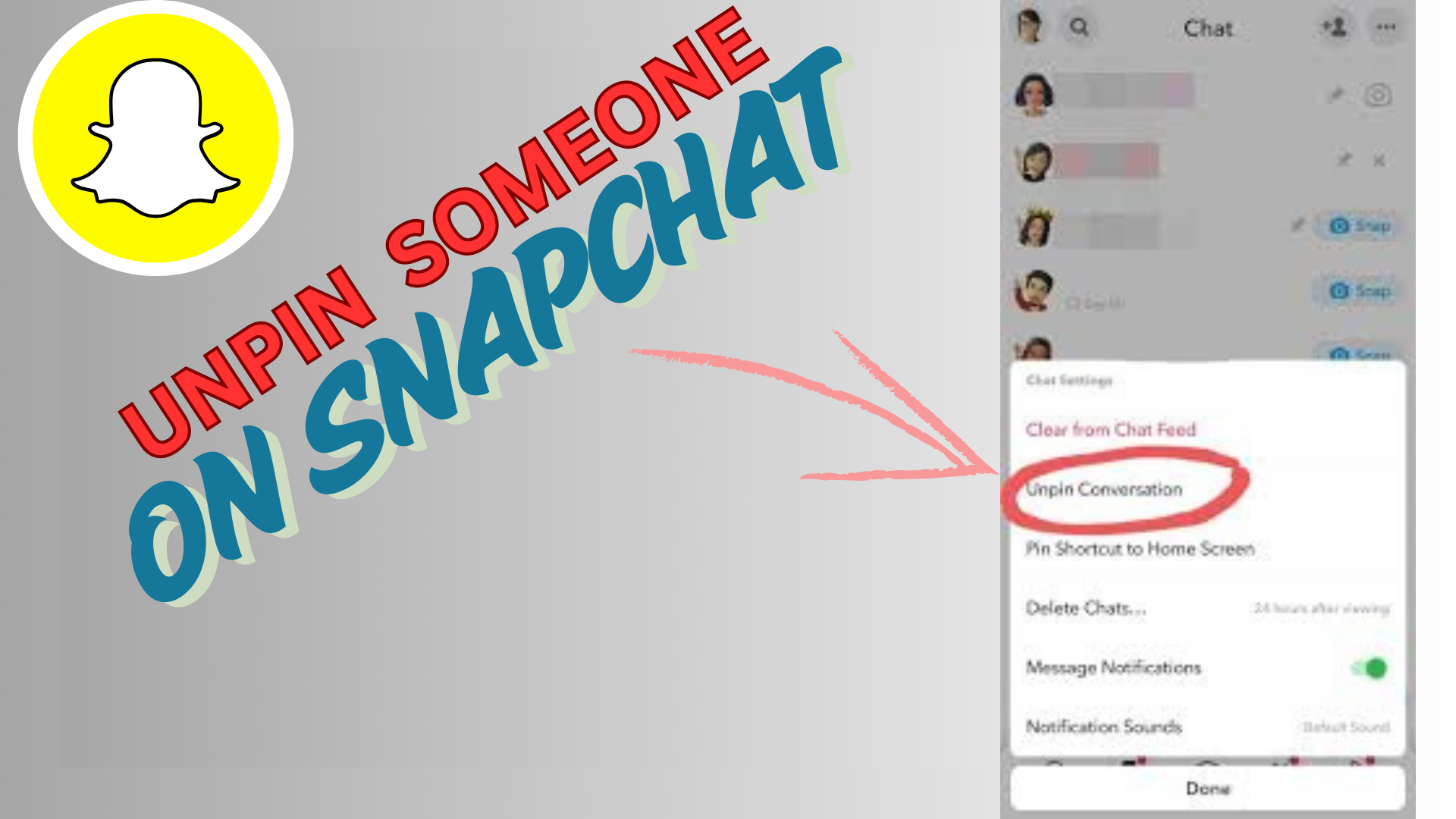
How to Unpin Someone on Snapchat
Unpinning someone is straightforward. There are two key ways to unpin: unpinning any contact and unpinning a BFF—the latter being specific to Snapchat Plus subscribers.
Steps to Unpin Someone from Your Chat List
- Launch the Snapchat app on your phone.
- Tap the Chat icon at the bottom of your screen to open all conversations.
- Locate the conversation you want to unpin.
- Long-press the chat until a pop-up menu appears.
- Select Chat Settings from the menu.
- Tap Unpin Conversation to complete the process.
Once these steps are followed, the selected chat will no longer remain at the top of your list. The user will not receive any notification about the change.
How to Unpin a BFF on Snapchat (Snapchat Plus Feature)
Snapchat Plus offers extra perks, including the ability to manage BFFs (Best Friends Forever). If you have pinned your #1 BFF and want to unpin them, follow these steps:
- Open Snapchat on your phone.
- Tap the Chat icon at the bottom.
- Locate the BFF chat with an emoji next to their name.
- Long-press the chat to open the options menu.
- Select Pinned as your #1 BFF to uncheck it.
- Tap Done to save changes.
The pinned person will now be removed from the top, and this change affects only your chat interface. No one will know if they were pinned or unpinned.
How to Pin Someone Back on Snapchat
If you decide to pin the conversation again, follow these steps:
- Launch Snapchat on your phone.
- Tap the Chat icon at the bottom of the screen.
- Find the chat you want to pin and long-press it.
- Select Chat Settings from the pop-up menu.
- Tap Pin Conversation to move it back to the top of your list.
Alternatively, you can:
- Swipe right from the camera screen to open your chat list.
- Long-press the contact’s profile icon to open their profile.
- Tap the three dots on the top-right corner of their profile.
- Select Chat Settings and tap Pin Conversation.
Important Information about Pinning and Unpinning Chats
Does Snapchat Notify Users When They Are Pinned or Unpinned?
No, Snapchat does not notify users when their conversation is pinned or unpinned. This feature is entirely private and visible only to you.
Can You Pin and Unpin Someone Who Blocked You?
Yes, you can still unpin a contact even if they block you. However, they will no longer receive messages from you. You can follow the same unpinning steps as with any other chat.
How Many Conversations Can You Pin at Once?
Snapchat allows you to pin up to three conversations at a time. If you try to pin a fourth, you must unpin one of the existing pinned chats. Snapchat Plus users can pin more than three friends under the BFF section.
Can Android Users Pin and Unpin Chats?
Unfortunately, Android users currently don’t have access to the pinning feature. It is only available on iOS devices. However, Snapchat may release this functionality for Android in future updates.
Managing BFFs with Snapchat Plus
Snapchat Plus subscribers can designate a #1 BFF from their Best Friends list. Pinning a new BFF will automatically unpin the previous one since only one #1 BFF is allowed at a time.
BFFs are automatically updated based on interaction frequency, and they appear under the “Send To” and “Chat” sections for quick access. Each BFF is marked with emojis to signify their status, which can only be viewed by you.
How to Keep Chats Organized with the Pin Feature
The pinning feature helps you prioritize conversations for quick access. You can rearrange your pinned list by unpinning and pinning different chats based on your needs.
It is recommended to:
- Pin conversations that involve ongoing discussions.
- Unpin chats once they are no longer relevant to avoid clutter.
Use pinning strategically to maintain easy communication with important contacts.
Conclusion: Manage Pinned Chats Effectively
Snapchat’s pinning and unpinning feature offers a simple way to prioritize your most important conversations. Whether you are using it for a casual chat or to keep track of work-related messages, pinning ensures quick access. Managing these chats effectively means unpinning contacts when no longer needed and updating your pinned list based on your current priorities.
Although Android users currently lack this feature, iOS users benefit from the ease of pinning and unpinning conversations. With Snapchat Plus, subscribers enjoy even more flexibility by pinning their BFFs.
FAQs about Unpinning Someone on Snapchat
1. Can someone tell if I’ve unpinned them on Snapchat?
No, Snapchat does not notify users when they are pinned or unpinned.
2. Can I pin and unpin multiple times?
Yes, you can pin and unpin conversations as often as you like. However, frequent changes may appear as spam to Snapchat’s system.
3. What is the limit on pinned conversations?
You can pin up to three chats simultaneously. Snapchat Plus allows more flexibility with up to eight pinned BFFs.
4. How do I know if I’ve been pinned as someone’s BFF?
There is no way to know if you have been pinned by another user, as this feature is private.
5. Why can’t I pin someone on my Android phone?
The pinning feature is currently not available for Android users. It is limited to iOS devices.
6. Can I pin both group and individual chats?
Yes, you can pin both group chats and individual conversations for easy access.

