

Featured Social Media Software:
How to Tweet an Audio Message on Twitter?
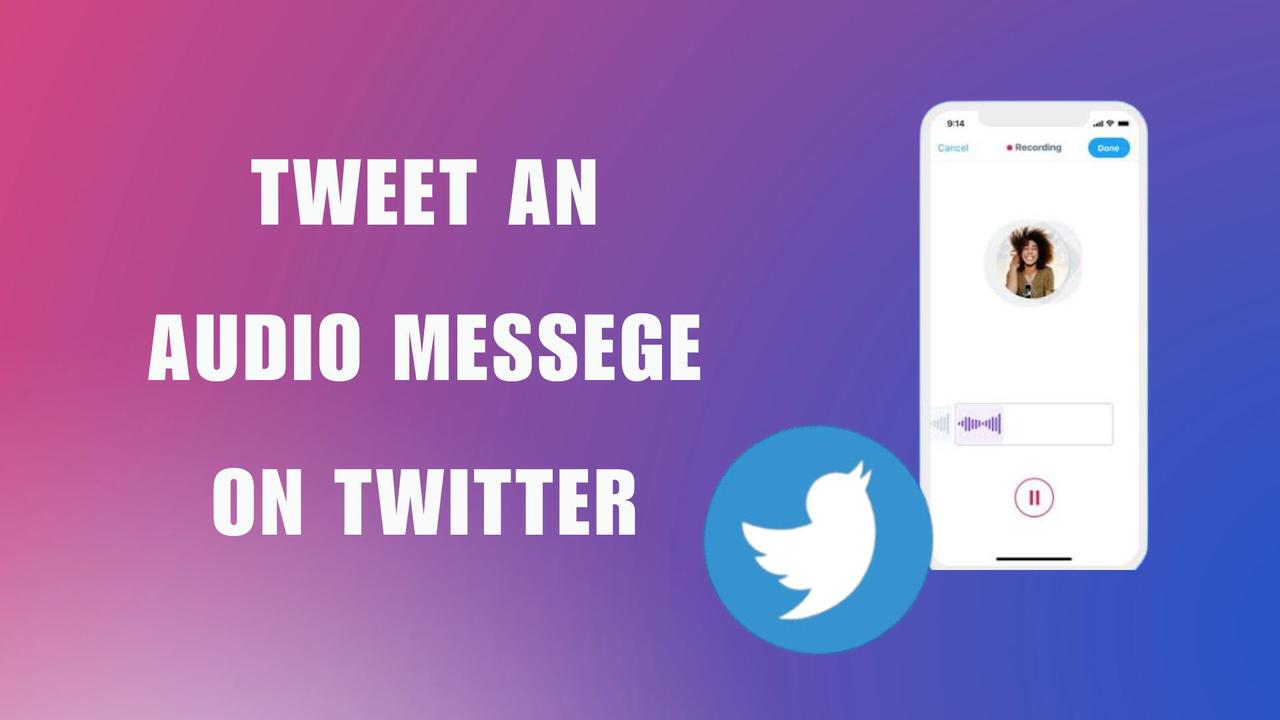
Twitter allows users to engage in conversations not only through text but now through voice. This feature brings personality and nuance that text-based tweets often lack. If you’re wondering how to tweet an audio message, this guide will take you through Twitter’s voice tweet features and explore alternative methods using third-party apps.
What Is a Voice Tweet on Twitter?
A voice tweet is an audio-based tweet that lets users publish spoken messages instead of relying entirely on written text.
On X, voice tweets were introduced to:
- Increase conversational depth
- Improve emotional expression
- Reduce text limitations
- Support accessibility
- Enable natural communication
Voice tweets combine audio playback with traditional tweet infrastructure.
Why Are Audio Tweets Important?
Why Do Users Prefer Audio Communication?
Audio communication captures elements that text cannot fully express.
These include:
- Tone
- Emotion
- Emphasis
- Personality
- Urgency
- Authenticity
Voice communication often creates stronger audience connection and trust.
How Do Audio Tweets Change Social Interaction?
Voice-based interaction shifts engagement from static reading to more human communication.
Benefits include:
| Benefit | Impact |
|---|---|
| Emotional nuance | Improves relatability |
| Faster communication | Reduces typing friction |
| Accessibility | Helps users with writing limitations |
| Personal branding | Enhances creator identity |
| Audience retention | Encourages longer engagement |
Audio formats increasingly dominate social media ecosystems.
What Devices Support Voice Tweets?
Are Voice Tweets Available on All Platforms?
No. Voice tweet support remains limited primarily to iOS devices.
Currently:
| Platform | Voice Tweet Support |
|---|---|
| iPhone (iOS) | Yes |
| Android | Limited/Unavailable |
| Web/Desktop | Playback only |
Platform availability may change as X continues updating its infrastructure.
Why Is iOS Prioritized for Voice Features?
Social platforms often launch experimental features on iOS first because:
- Device fragmentation is lower
- Audio APIs are standardized
- Testing environments are more controlled
- Development cycles are faster
This allows smoother feature deployment.
How to Record a Voice Tweet on Twitter?
To start using voice tweets, follow these steps:
- Open the Twitter App (iOS Only): This feature is currently available only on the iOS Twitter app.
- Tap the Compose Tweet Icon: It’s located at the bottom-right corner of the screen.
- Select the Voice Icon: Click the microphone icon next to the text field.
- Grant Microphone Permission: If prompted, give Twitter access to your microphone.
- Press the Purple Record Button: Start recording your message.
- Tap ‘Done’: End the recording when you’re finished.
- Add Optional Text (Optional): You can include text along with the audio.
- Hit ‘Tweet’: The message will be posted with your profile picture as a static thumbnail.
What Is the Maximum Voice Tweet Length?
How Long Can an Audio Tweet Be?
Each voice tweet supports up to:
2 minutes and 20 secondsof audio per tweet segment.
What Happens If the Recording Is Longer?
If the recording exceeds the limit, X automatically creates a threaded sequence of tweets.
A single voice thread may contain multiple connected recordings.
This enables longer-form spoken content without manual splitting.
How Do Voice Tweet Threads Work?
Why Does Twitter Split Long Audio Automatically?
Automatic threading helps maintain:
- Playback continuity
- File size efficiency
- Platform consistency
- Scalable media delivery
The system divides long recordings into manageable segments.
How Many Audio Segments Can Be Included?
Voice threads may contain up to:
25 connected tweetsdepending on recording length.
This supports extended discussions or storytelling.
How to Listen to Voice Tweets
How Do Users Play Audio Tweets?
Voice tweets can be played directly inside the X interface.
Playback Instructions
Step 1: Open the Tweet
Locate the voice tweet in the timeline.
Step 2: Tap the Thumbnail
Press the voice tweet thumbnail to begin playback.
Step 3: Pause or Resume
Tap again to pause or continue audio playback.
What Happens During Thread Playback?
When listening to threaded audio tweets:
- Playback automatically continues
- Segments transition sequentially
- Users experience uninterrupted listening
This improves long-form audio usability.
How Do Voice Tweet Captions Work?
Why Are Captions Important?
Captions improve:
- Accessibility
- Language comprehension
- Silent browsing
- Inclusivity
Automated captioning helps users consume content without audio playback.
How to Enable Captions
Step 1: Open the Voice Tweet
Navigate to the audio tweet player.
Step 2: Tap the CC Button
Select the captions icon.
Step 3: Read the Transcript
Captions appear overlayed on the audio thumbnail.
Are Captions Available in Every Language?
No. Caption support depends on:
- Device language settings
- Speech recognition compatibility
- Platform language support
Availability varies by region and language infrastructure.
What Are the Limitations of Voice Tweets?
Which Features Are Restricted?
Voice tweets still have several platform limitations.
Current Voice Tweet Restrictions
| Limitation | Description |
|---|---|
| iOS-only support | Limited cross-platform access |
| No editing | Audio cannot be modified after posting |
| Fixed thumbnail | Profile image remains static |
| No audio replies | Voice replies are limited |
| No quote tweeting with voice | Text required in many cases |
These restrictions affect workflow flexibility.
Why Can’t Voice Tweets Be Edited?
Audio editing introduces:
- Storage complexity
- Synchronization issues
- Abuse moderation challenges
- Media integrity concerns
Most social platforms avoid editable audio after publishing.
Why Do Android Users Use Spaces More Often?
Because voice tweets remain limited on Android, many users rely on Spaces for audio interaction.
Spaces provide:
- Cross-platform support
- Real-time engagement
- Community discussions
- Audience participation tools
Which Third-Party Apps Support Audio Tweeting?
Why Do Users Use External Audio Apps?
Third-party tools offer:
- Better editing
- Visual enhancements
- Podcast integration
- Scheduling features
- Audiogram generation
These tools extend Twitter’s native audio capabilities.
How Does Headliner Work?
What Is Headliner?
Headliner is an audiogram creation platform used for transforming audio into social-ready media clips.
What Features Does Headliner Offer?
Headliner supports:
- Audio clipping
- Waveform visuals
- Caption overlays
- Social media formatting
- Podcast promotion
Audiograms improve discoverability and engagement.
What Is Audioboom?
How Does Audioboom Support Audio Sharing?
Audioboom is a podcasting and audio distribution platform.
It enables users to:
- Record audio
- Publish episodes
- Share directly to X
- Embed media externally
Why Do Podcasters Use Audioboom?
The platform simplifies:
- Hosting
- Distribution
- Monetization
- Social sharing
Audio creators often integrate it into larger content ecosystems.
What Is Transistor?
How Does Transistor Differ From Basic Audio Apps?
Transistor focuses on professional podcast hosting and analytics.
Its features include:
- Advanced podcast management
- Audience analytics
- Multiple show hosting
- Audio distribution
It targets professional creators and businesses.
Why Is Audio Content Growing Rapidly?
Why Do Users Prefer Audio Media?
Audio consumption is increasing because it supports:
- Multitasking
- Passive listening
- Mobile convenience
- Emotional connection
Users can consume audio while:
- Driving
- Exercising
- Working
- Commuting
This increases content accessibility dramatically.
How Does Audio Affect Engagement?
Audio content often increases:
- Session duration
- Listener retention
- Emotional resonance
- Brand familiarity
Human voices create stronger parasocial relationships than text alone.
What KPIs Matter for Audio Tweets?
Which Metrics Measure Audio Tweet Performance?
Important audio KPIs include:
| KPI | Meaning |
|---|---|
| Playback Rate | Percentage who start listening |
| Completion Rate | Percentage finishing audio |
| Engagement Rate | Combined interactions |
| Share Rate | Redistribution frequency |
| Reply Rate | Conversation stimulation |
These metrics help evaluate audio effectiveness.
How Can You Measure Audio Tweet Engagement?
A standard formula estimates engagement efficiency.
Audio Tweet Engagement Rate = ((Likes + Replies + Retweets) ÷ Total Impressions) × 100
Example
If a voice tweet receives:
- 8,000 impressions
- 400 likes
- 60 replies
- 40 reposts
Then:
Audio Tweet Engagement Rate = ((400 + 60 + 40) ÷ 8000) × 100 = 6.25%Higher rates indicate stronger audience resonance.
What Common Mistakes Should Users Avoid?
Mistake #1: Recording Poor Audio Quality
Background noise and low microphone quality reduce listener retention significantly.
Mistake #2: Speaking Too Long Without Structure
Long, unstructured audio reduces completion rates.
Mistake #3: Ignoring Captions
Many users browse social media muted. Captions improve accessibility and engagement.
Mistake #4: Overusing Audio Tweets
Excessive voice content may fatigue audiences accustomed to fast-scrolling behavior.
Mistake #5: Forgetting Mobile Optimization
Most audio content is consumed on mobile devices.
Creators should optimize for:
- Short attention spans
- Clear speech
- Fast introductions
What Future Trends Will Shape Twitter Audio Content?
Will Audio Become More Important on Social Media?
Social platforms increasingly prioritize:
- Podcasts
- Live conversations
- AI voice tools
- Audio-first communities
Voice interaction is expected to expand significantly.
Could AI Voice Features Be Added?
Future systems may include:
- AI transcription
- Real-time translation
- Voice cloning
- AI narration tools
These features could dramatically reshape social communication.
Will Voice Tweets Expand Beyond iOS?
Broader platform support is highly likely if user adoption continues growing.
Android integration remains a major anticipated update.
Audio Tweet Checklist
Essential Checklist
- Use a clear microphone
- Minimize background noise
- Keep recordings concise
- Structure speaking points
- Add supporting text if needed
- Review captions for accuracy
- Monitor engagement metrics
- Test playback before publishing
- Use audio strategically
- Combine with broader content strategy
Expert Insight
Audio communication represents a shift toward more human-centered social interaction. While text remains dominant for speed and scalability, voice adds emotional context that algorithms alone cannot replicate.
Creators who effectively combine concise messaging with authentic vocal delivery often build stronger audience trust, deeper engagement, and higher retention than accounts relying solely on written communication.
Frequently Asked Questions (FAQs)
Will voice tweets be available on Android?
At this time, Twitter has not announced support for voice tweets on Android. However, given the demand, it is likely that this feature may be introduced in the future.
Can I upload someone else’s audio to Twitter?
No. Twitter only allows users to upload audio that they own the copyright for. Posting copyrighted content without permission can result in account suspension.
Are there any character limits for voice tweets?
While there’s no character limit for audio tweets, each recording can last up to 2 minutes and 20 seconds. For longer messages, Twitter automatically creates threads.
What happens if I delete my voice tweet?
Deleting a voice tweet removes it from your profile and timeline. It cannot be restored once deleted.

