

Featured Social Media Software:
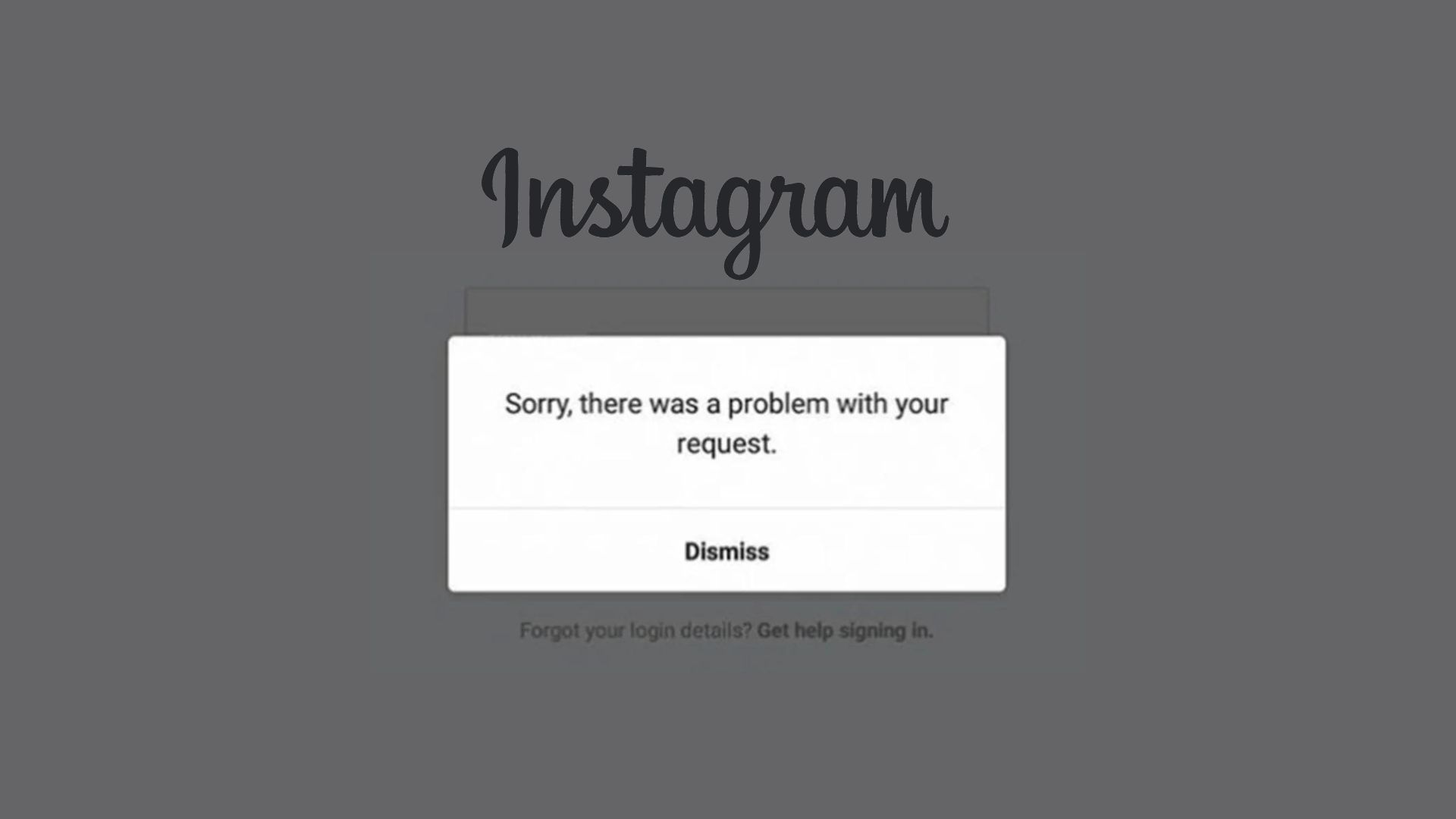
Instagram Not working?
Isn’t it frustrating when Instagram, one of the most addictive platforms, suddenly stops working? If you’ve been wondering why Instagram isn’t working, you’re not alone. In this guide, we’ll explore the common causes of Instagram issues and how to fix them.
When Instagram stops functioning, the issue is usually on Instagram’s end, not yours. As a popular social media app used for sharing photos and videos, Instagram is constantly updated to improve performance. However, users still experience occasional problems like not being able to upload posts. If you’re facing issues, don’t worry—there are ways to resolve them!
What is Instagram?
Instagram is an online platform designed for sharing photos and videos. Just like other social media apps, it allows you to follow people, like posts, and engage with content. Your feed will show the latest posts from those you follow, and you can interact by liking, commenting, and sharing.
In addition to regular posts, Instagram lets users share Stories, which are a series of photos or videos that disappear after 24 hours. This feature is similar to those found on other social media platforms like Snapchat.
How Does Instagram Work?
Instagram becomes more fun when you follow people whose content you enjoy. By clicking the magnifying glass icon on the bottom bar, you can access the Explore page, where Instagram suggests content you might like. As you engage with posts, the suggestions become more personalized.
To follow someone, just type their name in the search bar, visit their profile, and hit the Follow button. From then on, their posts will appear in your feed.
Why Isn’t Instagram Working?
If Instagram isn’t working for you on Chrome, Android, or iPhone, there are a few steps you can take to troubleshoot the issue. Many users experience similar problems, especially when Instagram is down today.
Whether it’s a browser issue or the app not loading on your smartphone, you’re not alone. The platform sometimes encounters glitches across devices, but here are some quick fixes you can try to resolve the problem:
1. Restart Your Device
The simplest solution is often to restart your device. This can help resolve minor software glitches, including issues with Instagram. Here’s how:
- For Android: Hold down the power button until the restart option appears, then tap Restart.
- For iOS: Hold down the power button and home button (or volume button on newer models) until the Apple logo appears.
2. Check Your Network Connection
One of the most common reasons Instagram won’t work is a poor network connection. If your internet is unstable, try switching to airplane mode or resetting your Wi-Fi router. For computers, ensure a solid connection between the PC and router.
3. Clear Instagram Cache
Clearing the cache can help fix issues with the Instagram app. Cache stores temporary data, and when it builds up, it can cause glitches. Here’s how to clear it:
- On Android: Go to Settings > Apps > Instagram > Storage, then tap Clear Cache.
- On iOS: You may need to delete and reinstall the app, as there isn’t a direct cache-clearing option.
4. Check if Instagram is Down
If Instagram isn’t working for everyone, it might be down. You can check sites like DownDetector or Is It Down Right Now? to see if there’s an outage. You can also check Twitter for updates from Instagram’s official account.
5. File Size Limits
Instagram has file size limits for uploading photos and videos. If you’re trying to upload high-resolution content, it might not work. Compress your files or try uploading a smaller size to avoid issues.
6. Review Instagram’s Content Guidelines
Instagram has strict rules about the types of content you can post. If your photo or video violates these rules, Instagram won’t allow the upload. Make sure you’re not posting copyrighted content or anything that goes against Instagram’s guidelines.
Final Thoughts
If Instagram isn’t working, the issue could be due to various reasons, from network problems to Instagram’s servers being down. Following the steps outlined above—like restarting your device, checking your internet connection, and clearing the cache—should help you resolve most issues.
If the problem persists, it may be a technical issue on Instagram’s side, which could take time to fix. In the meantime, try reinstalling the app or checking online for outage updates. With a little patience, you’ll be back to scrolling and posting in no time!
Frequently Asked Questions (FAQs)
Why can’t I upload more than one photo or video to Instagram?
This could be due to Instagram’s background refresh settings. If the feature is disabled, switching apps while posting can stop the process. Additionally, Instagram may temporarily block your account if it detects spamming activity, like posting too frequently.
Why can’t I post Instagram Stories?
If you’re trying to share a Story from a private account, it won’t work. Instagram only allows sharing from public accounts. Additionally, slow internet access can prevent you from uploading Stories.
Why is Instagram down right now?
If Instagram is down, reconnecting to the internet or updating the app can fix minor issues. For major outages, check sites like DownDetector or Instagram’s social media channels for updates.
How can I unlock my Instagram account?
If your account has been locked due to a violation of Instagram’s guidelines, you can appeal the decision by following the steps outlined in the notification. While there’s no guarantee, you can request a review of your case.
How long does an Instagram restriction last?
Restrictions can last anywhere from 48 hours to a week, depending on the violation. You’ll regain access to your account once the restriction is lifted.

