

Want recruiters to notice you faster on LinkedIn? Adding your resume directly to your profile is the easiest way to boost visibility and speed up job applications. In 2026, competition is fierce, and just having a LinkedIn profile isn’t always enough to stand out. Recruiters often prioritize profiles with resumes attached, especially for Easy Apply job postings.
You can upload your resume to LinkedIn by navigating to: Job Preferences → My Qualifications → Resumes and application data → Upload Resume. This ensures recruiters see both your profile and your resume, instantly increasing your chances of landing interviews.
By having your resume ready on LinkedIn, you can apply to jobs with one click and appear more professional to hiring managers. In this guide, I’ll show you two easy methods to add your resume to LinkedIn and simple pro tips to maximize your profile’s visibility.
Why Adding Your Resume to LinkedIn Matters
Uploading your resume to LinkedIn gives you a major visibility boost. Recruiters searching for candidates can easily access both your profile and resume, dramatically increasing your chances of getting noticed. It also makes Easy Apply applications seamless, allowing you to apply for jobs with just a few clicks instead of repeatedly uploading documents.
LinkedIn’s algorithm favors complete and optimized profiles, and having a resume attached signals credibility and professionalism to recruiters. A well-prepared resume also ensures that your skills, experience, and achievements are fully represented, even if they aren’t all visible on your profile. This makes your profile stand out in competitive searches and increases the likelihood of landing interviews.
By adding your resume once, you stay job-ready 24/7, without the hassle of uploading it for every single application.
Now that you know why it’s essential, let’s quickly upload your resume the right way.
How to Add Your Resume to LinkedIn via Job Preferences
Uploading your resume to LinkedIn is simple, but doing it correctly ensures maximum visibility to recruiters. Follow this step-by-step guide to make your profile job-application ready:
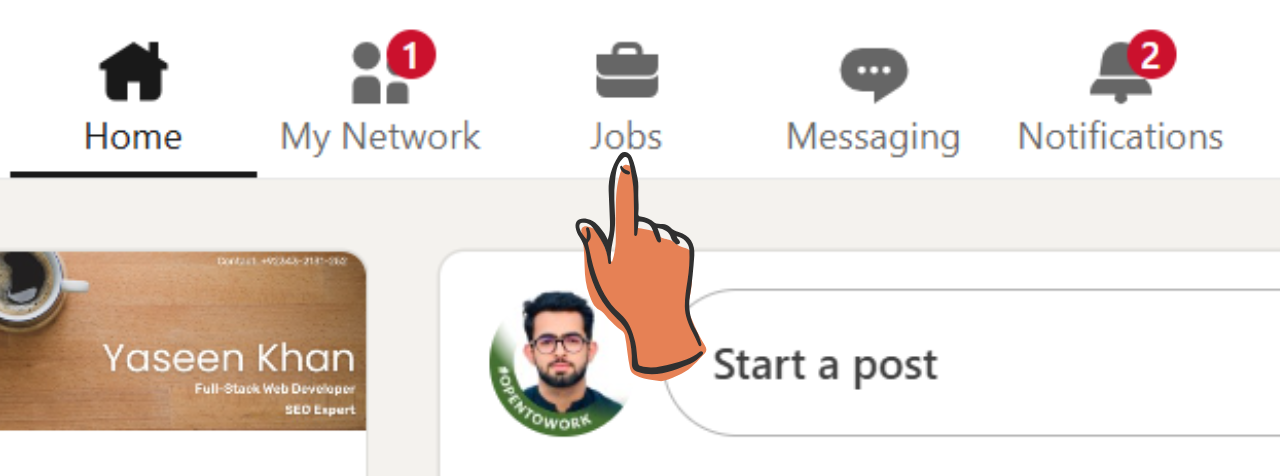
1. Go to the Jobs Tab
Log into your LinkedIn account and click the “Jobs” icon in the top navigation bar. This is your hub for job searches and applications.
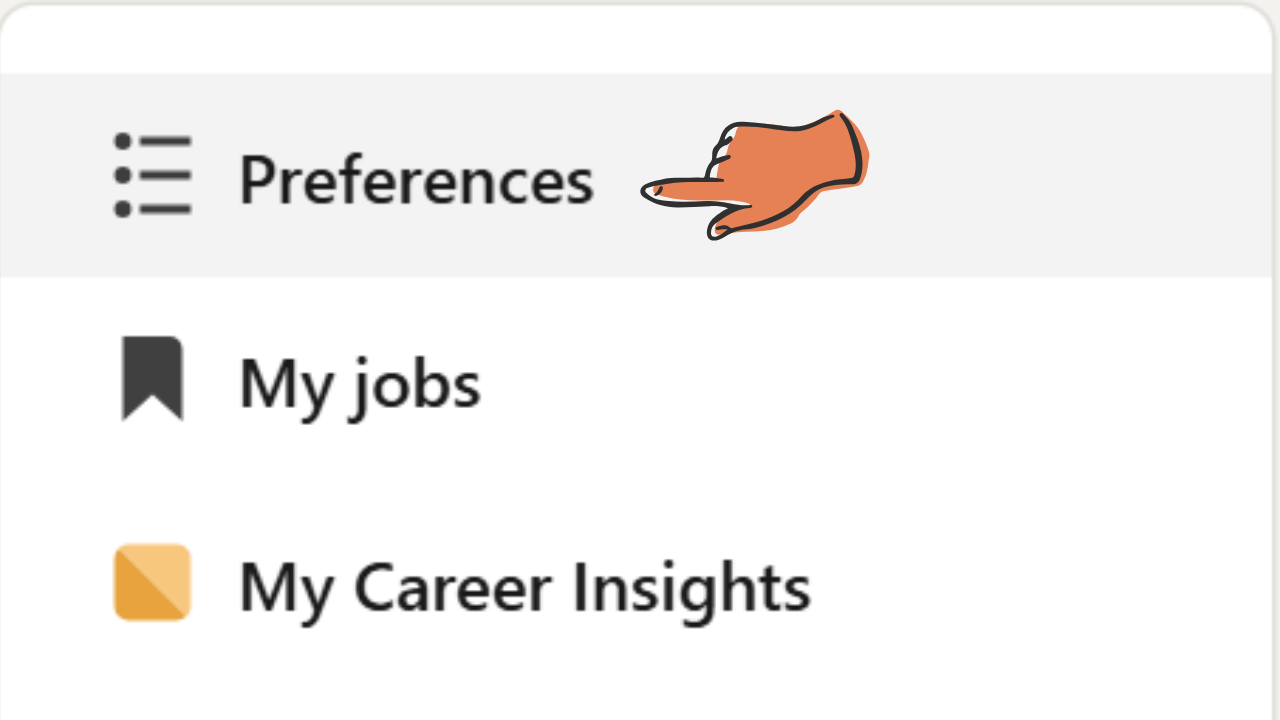
2. Access Job Preferences
On the left-hand menu, select “Job Preferences.” This is where you manage application settings and recruiter visibility.
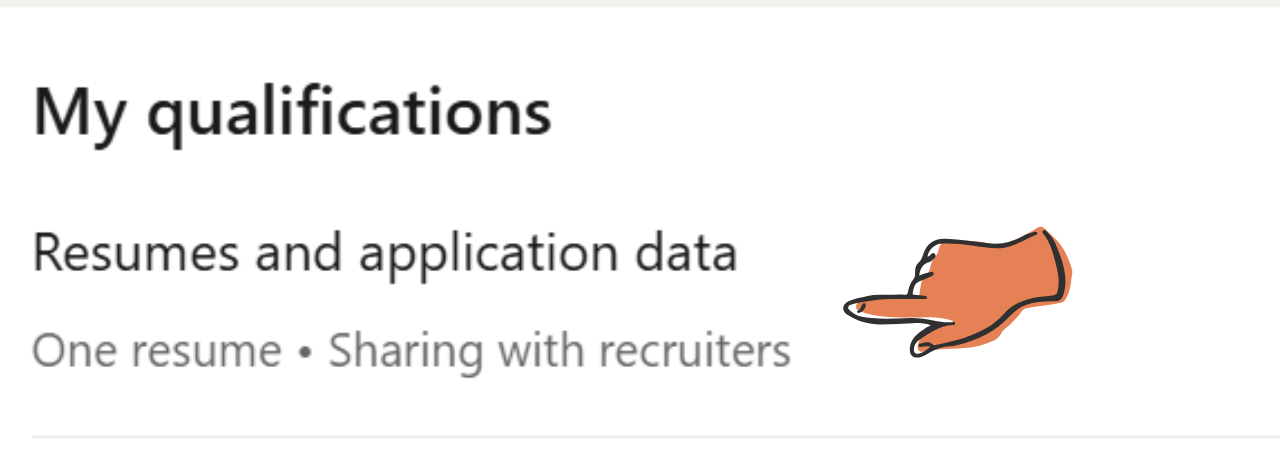
3. Find My Qualifications
Scroll to the “My qualifications” section and click “Resumes and application data.”
Here, LinkedIn allows you to manage your uploaded resumes and control how they are shared with recruiters. This is where you can see your active resume for Easy Apply and update it anytime.
4. Upload Your Resume
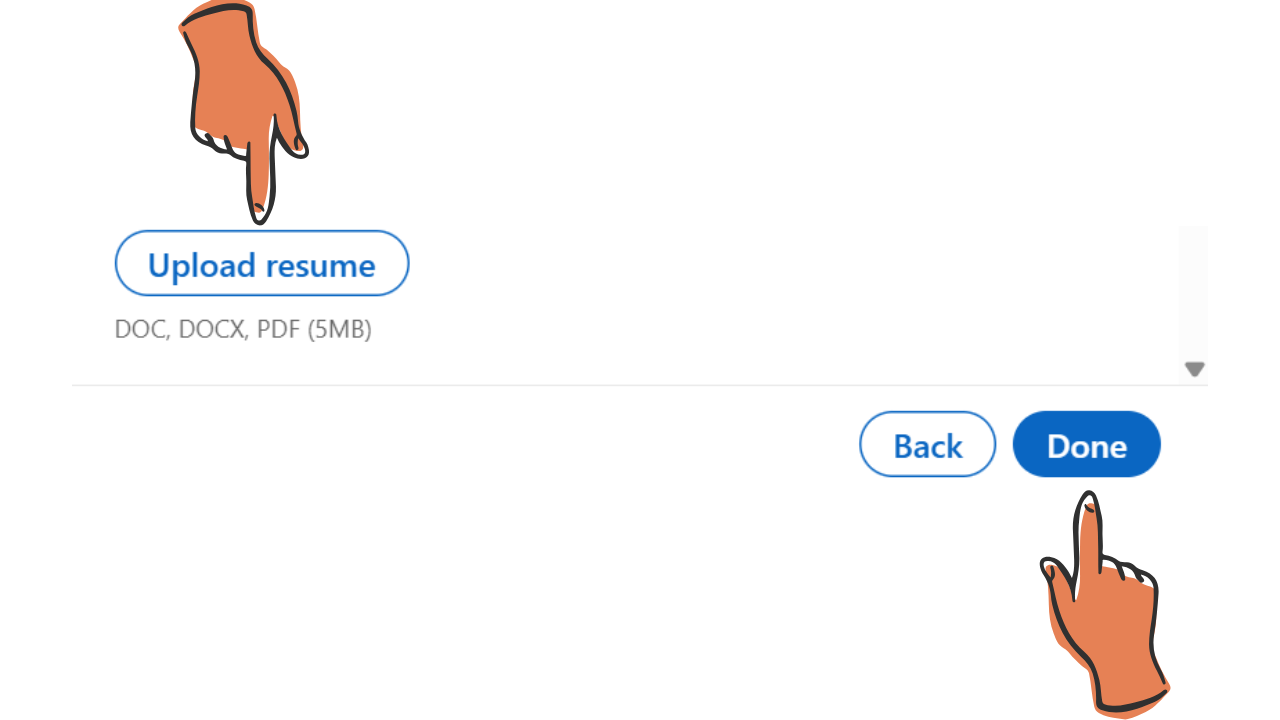
Click “Upload Resume” and select your file from your computer. Then click the done button on the right bottom corner.
Pro Tip: Use PDF format to keep your design and layout consistent across devices.
Pro Tips for LinkedIn Resume Uploads:
- Keep your resume 1–2 pages for faster recruiter review.
- Use keywords that match your LinkedIn profile and target job roles.
- Ensure the file name is professional, e.g., JohnDoe_Resume2026.pdf.
With your resume now uploaded, you’re just a click away from applying to jobs faster than ever.
Method 2 – Upload Your Resume When Applying for Jobs on LinkedIn
Sometimes the easiest way to upload your resume is directly while applying for a job. This method is perfect for Easy Apply postings and automatically saves your resume for future applications.
Step 1: Go to the Jobs Section
Log into LinkedIn and click the Jobs icon on the top navigation bar. From here, browse or search for roles that interest you. This method is primarily for Easy Apply jobs, where LinkedIn allows you to submit applications with just a few clicks.
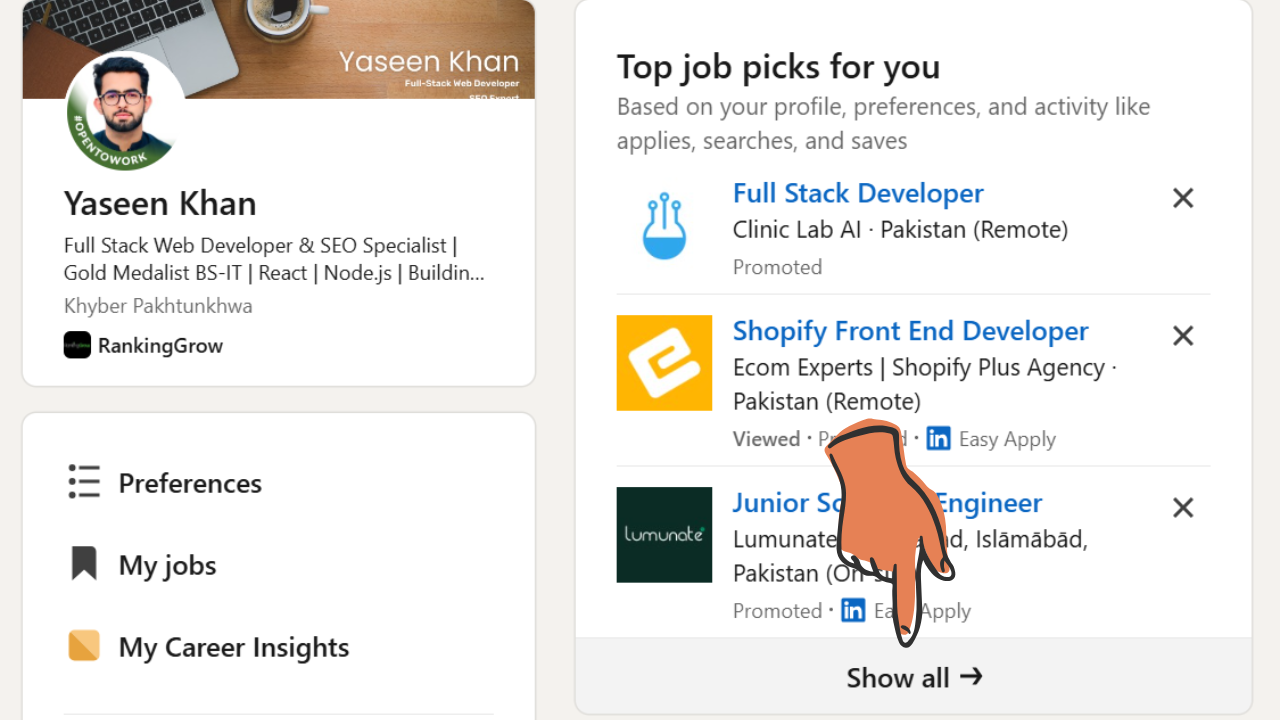
Step 2: Click on “Easy Apply”
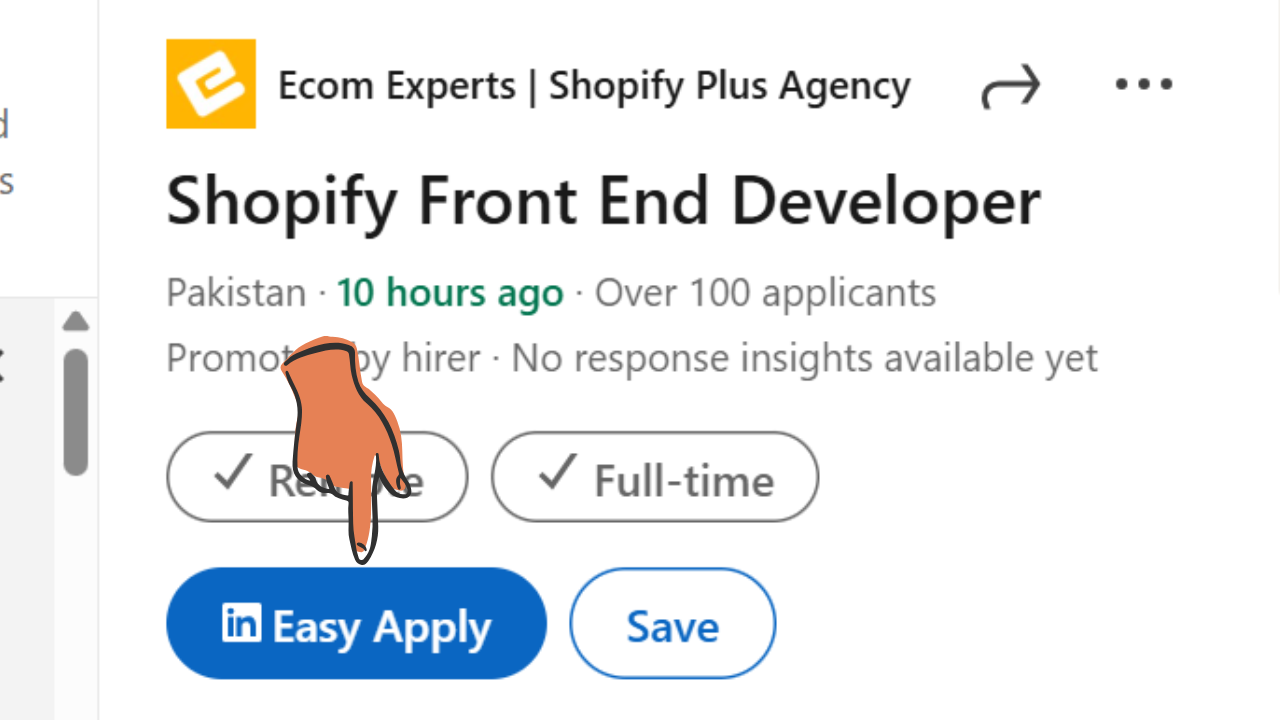
When you find a job with the Easy Apply button, click it to begin the application. These jobs allow you to attach your resume directly without filling lengthy forms.
Pro Tip: LinkedIn will store your uploaded resume for future Easy Apply submissions.
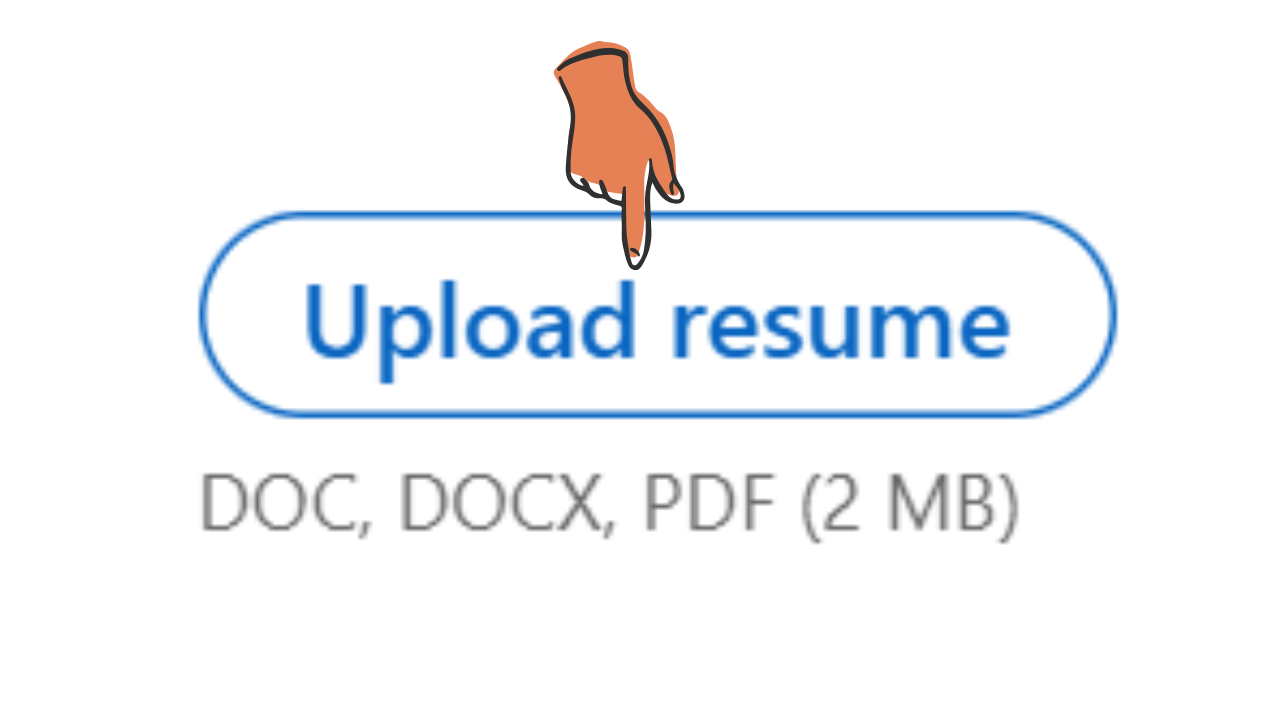
Step 3: Upload Your Resume
Attach your PDF or DOC file using the upload prompt.
Quick Tip: Use a professional filename, like John-Doe-Resume-2026.pdf, to make a polished impression.
Step 4: Submit Your Application
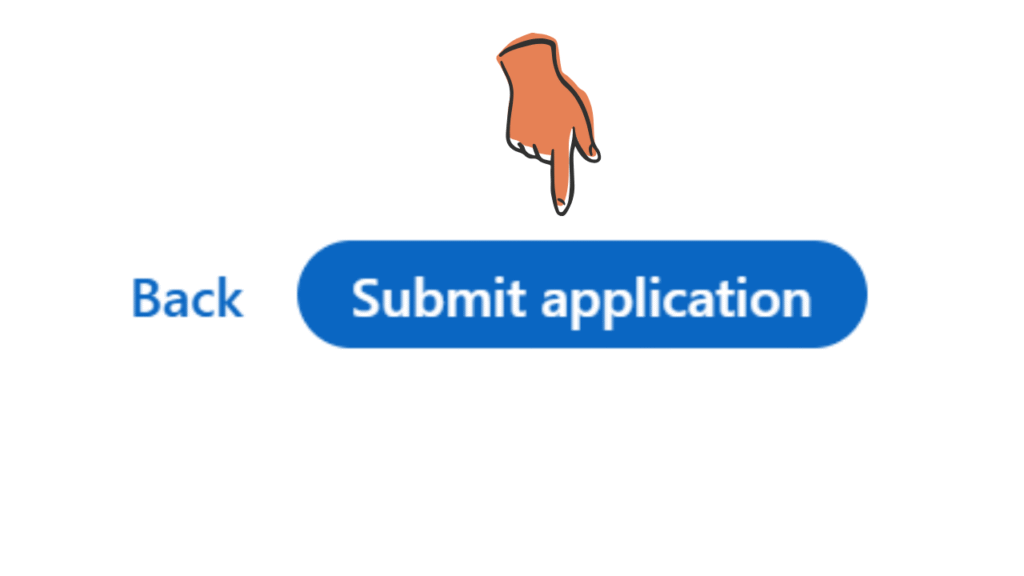
Once uploaded, hit Submit to complete the process. LinkedIn will save your resume for future jobs, and you can replace or remove it anytime in your settings.
Now that you know both ways to add your resume, your LinkedIn profile is ready to catch the eyes of recruiters in 2026.
Pro Tips to Boost Your LinkedIn Visibility
Uploading your resume is just the first step—optimizing your LinkedIn profile ensures recruiters actually notice you. Here are a few actionable tips to maximize your reach:
Optimize Your Headline & About Section
Use a clear, keyword-rich headline that reflects your role and expertise. For example: “Digital Marketing Specialist | SEO & Paid Ads Expert.” A compelling About section with measurable results (like “Grew organic traffic by 200% in 6 months”) helps you stand out.
Turn On “Open to Work”
Activating this feature signals to recruiters that you’re available for new opportunities. It increases your profile visibility in LinkedIn search results and enhances your chance of receiving direct job invites.
Keep Your Resume & Profile Consistent
Ensure the skills, experiences, and job titles on your resume match your LinkedIn profile. Consistency boosts recruiter trust and aligns with LinkedIn profile optimization best practices.
Pro Tip: Regularly update your profile with new skills, certifications, or projects to appear more active and relevant in recruiter searches.
Final Thoughts
Now you know the easiest way to add your resume to LinkedIn and instantly boost your visibility with recruiters. By uploading your resume through Job Preferences, every Easy Apply job becomes just one click away, saving you valuable time during your job search.
Beyond convenience, this step ensures your profile looks complete and professional, which can increase your chances of appearing in recruiter searches. A well-optimized profile with an attached resume can often be the difference between being overlooked and landing an interview.
Update your resume today, keep it aligned with your LinkedIn profile, and make every job application faster, easier, and more successful. If you haven’t done it yet, take five minutes now—your next career opportunity might already be waiting.
Frequently Asked Questions (FAQs)
Can I upload my resume directly to my LinkedIn profile?
Yes, LinkedIn allows you to upload your resume directly to your profile. You can add it to the Featured section or upload it when applying for jobs through LinkedIn Easy Apply.
Is it better to upload a resume or fill out the LinkedIn profile manually?
Both are important. A complete LinkedIn profile improves visibility in searches, while uploading a resume helps recruiters quickly download and review your qualifications.
Will my resume be visible to everyone on LinkedIn?
It depends on where you upload it. If added to the Featured section, it will be visible to anyone who visits your profile. If uploaded only for job applications, it stays private between you and the recruiter.
What file format should I use for my LinkedIn resume?
The best formats are PDF or DOCX. PDF is recommended because it keeps your formatting consistent across devices.

