

Featured Social Media Software:
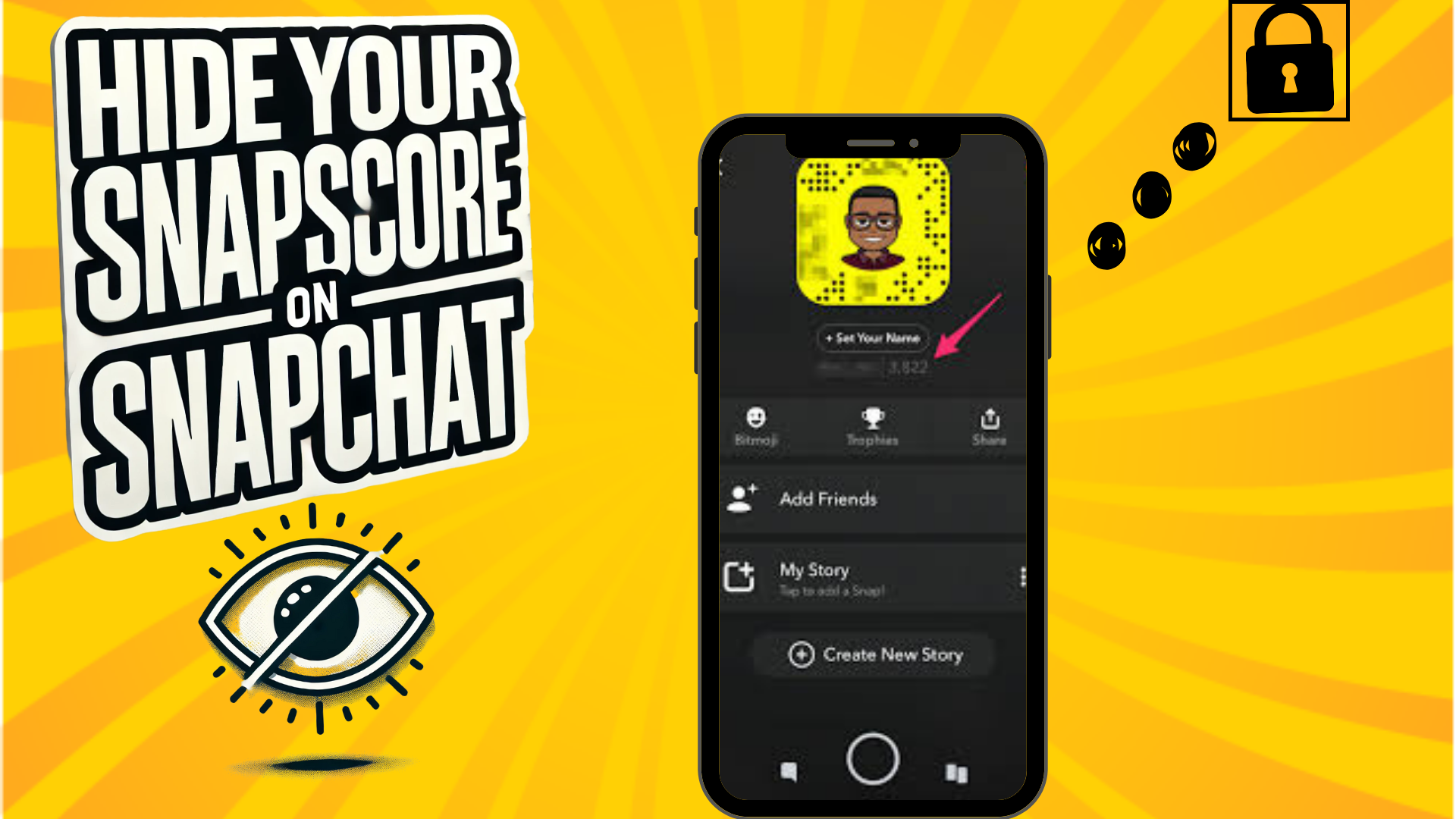
How to Hide Your Snapscore on Snapchat
Snapchat is one of the most engaging social media platforms, known for its unique features like disappearing messages, AR filters, and the elusive Snapscore. The Snapscore reflects your activity on the app, including snaps sent, received, and stories posted. While many users enjoy showcasing their Snapscore as a badge of their activity, others prefer more privacy. Unfortunately, Snapchat doesn’t provide a direct option to hide your Snapscore completely. However, there are workarounds to control who can see it.
This detailed guide explains methods to limit Snapscore visibility, remove or block contacts, and manage your privacy effectively on both Android and iOS devices.
What Is a Snapscore?
The Snapscore is a numerical representation of your interaction on Snapchat. It increases based on factors like:
- Snaps Sent and Received: Each snap sent or received contributes to your score.
- Stories Posted: Regular story updates boost your activity count.
- Other Mysterious Metrics: Snapchat keeps the exact algorithm for calculating Snapscore confidential, adding an element of mystery.
Snapscore is displayed on your profile and can be seen by your friends on the platform.
Why Hide Your Snapscore?
While Snapscore is harmless and reflects activity, some users may wish to hide it for reasons such as:
- Privacy: Avoid showcasing activity levels to unwanted individuals.
- Personal Preference: Some users prefer a minimalist profile.
- Social Perception: A high or low Snapscore may inadvertently influence how others perceive your app usage.
Although Snapchat doesn’t allow full Snapscore hiding, limiting its visibility is possible through privacy adjustments.
How to Hide Your Snapscore
Since Snapchat lacks a built-in feature to conceal Snapscore entirely, here are the steps you can take:
1. Limit Who Can Contact You
This method prevents non-friends from accessing your profile and Snapscore.
Steps:
- Launch Snapchat: Open the app and tap your avatar icon in the upper-left corner.
- Access Settings: Tap the gear icon in the top-right corner.
- Navigate to Privacy Controls: Scroll to the “Privacy Controls” section.
- Select Contact Options: Tap “Contact Me”.
- Choose Friends Only: Select “Friends” to restrict interactions to your approved friend list.
This setting ensures only friends can contact you and view your Snapscore.
2. Remove or Block Specific Users
Removing or blocking unwanted users prevents them from seeing your Snapscore.
Steps to Remove a Friend:
- Open Snapchat and tap your avatar in the upper-left corner.
- Scroll to the “Friends” section and tap “My Friends.”
- Locate the individual you want to remove.
- Tap and hold their name to open options.
- Select “Manage Friendship” and choose “Remove Friend.”
Steps to Block a User:
- Follow the first three steps above.
- After holding their name, tap the “Three Dots” icon.
- Select “Block” to prevent all contact and visibility.
Note: Blocking is irreversible unless you manually unblock the user. Removing a friend is less permanent but restricts Snapscore visibility.
3. Impact of Removing/Blocking on Snapscore
Removing or blocking people can indirectly reduce your Snapscore by limiting your interactions. Since Snapscore grows with snaps sent and received, fewer connections mean fewer opportunities to increase the score.
Additional Privacy Tips
Adjust Story Visibility
You can control who sees your stories by navigating to the “Who Can View My Story” section in Privacy Controls. Choose between:
- Everyone: Open visibility.
- Friends Only: Restricted to your contacts.
- Custom: Select specific users.
Avoid Third-Party Apps
Beware of third-party apps claiming to hide Snapscore. These applications are not authorized by Snapchat and may compromise your account’s security. Using them can lead to data breaches, identity theft, or even account suspension.
Conclusion
While Snapchat doesn’t allow you to hide your Snapscore entirely, you can control who sees it by managing privacy settings, removing specific contacts, or blocking users. These options provide a reasonable level of privacy and ensure a tailored Snapchat experience.
Snapchat’s approach to transparency encourages interaction, but respecting users’ privacy is equally vital. Until the platform introduces a full Snapscore-hiding feature, these methods serve as effective alternatives.
Would you like Snapchat to introduce a complete Snapscore privacy feature? Share your thoughts!
FAQs
Can I Reset My Snapscore?
No, Snapchat doesn’t allow users to reset their Snapscore. Creating a new account is the only way to start from zero.
Does Snapscore Affect My Account Usage?
No, Snapscore doesn’t influence your account’s functionality. It’s purely a reflection of activity and has no bearing on app features.
Can I Hide My Snapscore from All Users?
Currently, Snapchat doesn’t provide an option to hide Snapscore completely. You can limit its visibility by removing or blocking users or adjusting privacy settings.
Does Blocking Lower My Snapscore?
No, blocking someone doesn’t lower your score directly. However, reduced interactions can slow Snapscore growth over time.

