

TikTok has become one of the most dominant social media platforms globally, with over 1.6 billion active users as of 2026. From viral dances to educational clips, TikTok is shaping trends faster than any other app. But one common frustration among users and content curators is the watermark that appears on downloaded videos. While TikTok allows you to save videos directly, the saved clip always carries the TikTok logo and username watermark.
That’s where TikTok video downloaders without watermark come in. These tools whether web-based, apps, or browser extensions- allow users to download videos in HD quality without watermarks, making them easier to repurpose, edit, or share on other platforms.
Why Use TikTok Video Downloaders Without a Watermark in 2026
There are several reasons why watermark-free downloads remain important in 2026:
- Professional Content Creation – Creators and brands repurpose TikTok videos for YouTube Shorts, Instagram Reels, and Facebook campaigns.
- Editing Freedom – Watermark-free clips are easier to integrate into longer videos, compilations, or marketing material.
- Cross-Platform Marketing – Businesses can use short-form content across multiple platforms without distracting logos.
- Offline Access – Clean videos allow users to watch offline or include them in private presentations.
- HD and 4K Support – Many downloaders now offer higher-quality downloads than the standard TikTok save option.
Comparison Table: Best TikTok Downloaders for 2026
| Tool | Platforms | Quality | Ads/Free | Extra Features | Best For |
| SnapTik | Web, Android | HD | Free | Fast, clean downloads | General users |
| SSSTikTok | Web | HD | Free | MP4/MP3 support | Quick casual use |
| SaveTik | Web, Mobile | HD, 4K | Free/Paid | Bulk downloads | Professional creators |
| TikMate | Web, Mobile | HD | Free | Audio extraction | Music lovers/editors |
| MusicallyDown | Web | HD | Free | Simple UI | Beginners |
| TikSave | iOS | HD | Free/Paid | Cloud storage | Apple users |
| Downloaderi | Web | HD | Free | No login required | Multi-device use |
How We Evaluated These TikTok Downloaders
The downloader market is unusually difficult to review because similar names frequently appear across multiple domains. A service that worked last year may also change its interface, advertising model or download method after TikTok changes how video files are delivered.
For this 2026 update, the tools were evaluated primarily on their current public availability, watermark-free download support, browser compatibility, registration requirements, video/audio options, device support and clarity about limitations.
We have deliberately avoided giving artificial download-speed scores or claiming that every service is “100% safe.” Those conclusions would require ongoing controlled technical testing.
A particularly important factor in 2026 is video quality. A website advertising “4K” does not automatically mean every TikTok can be downloaded in true 4K. TikWM, for example, currently warns that TikTok has been limiting access to source-quality files and says the highest available option in some situations may be a TikTok-encoded 1080p file.
That makes source quality and actual output quality more important than marketing labels.
Why People Use TikTok Downloaders in 2026
The demand for TikTok downloaders without a watermark has grown significantly, especially in 2026. Here’s why:
- Content Creators & Marketers – Creators want watermark-free clips for editing, re-uploading, or making TikTok compilations for YouTube Shorts, Instagram Reels, and Facebook.
- Educators & Businesses – Teachers, trainers, and businesses often use TikTok content for presentations or campaigns without wanting distracting logos.
- Offline Watching – Users in regions with poor connectivity download videos for offline entertainment.
- Cross-Platform Sharing – Marketers and influencers repurpose TikTok videos across multiple platforms.
- Higher Quality Control – Many tools allow HD, 2K, or 4K downloads, which the official app doesn’t support.
Best TikTok Video Downloaders Without Watermark in 2026
Below is a curated list of the most reliable and free TikTok downloaders this year. Each tool has been selected based on speed, quality, safety, and ease of use.
- SnapTik
- SSSTikTok
- SaveTik
- TikMate
- MusicallyDown
- TikSave
- Downloaderi
1. SnapTik
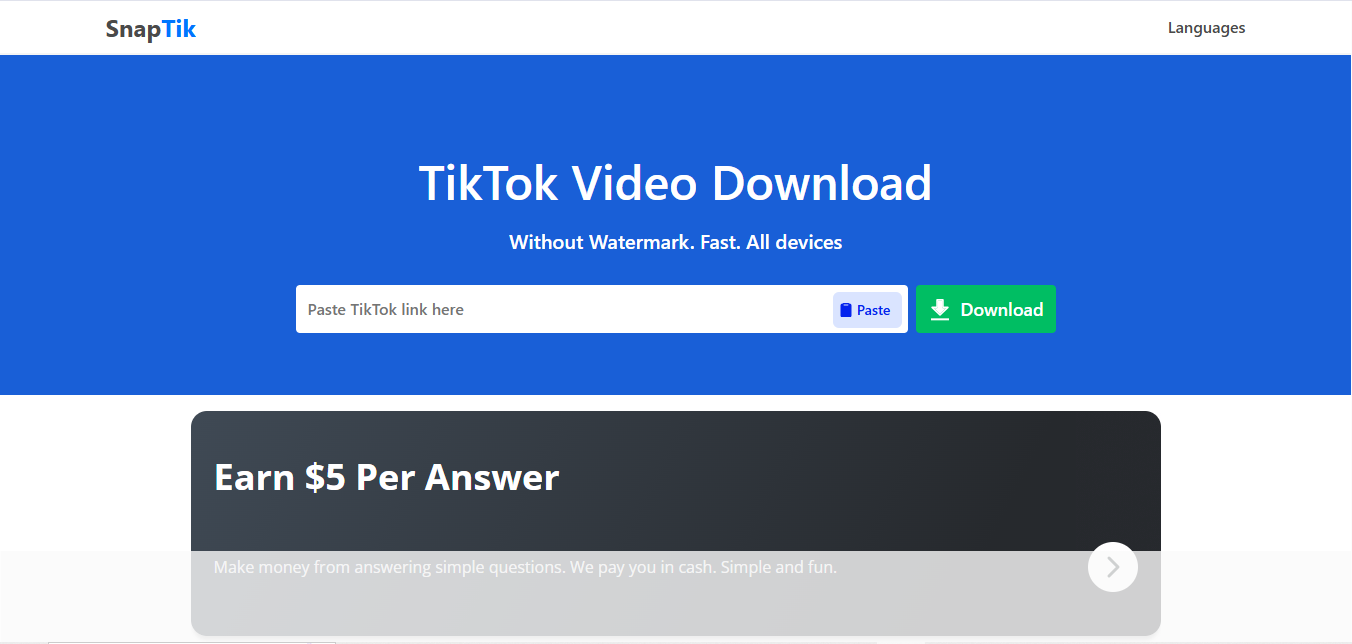
SnapTik is one of the fastest and most widely used TikTok video downloaders. It works on both web and Android, offering HD downloads without a watermark. The tool is completely free, though the web version displays ads.
Features:
- Supports HD resolution downloads
- Unlimited free downloads
- Available as a website and Android app
- No watermark output
- Cross-device compatibility
Pros:
- Lightning-fast downloads
- Intuitive interface
- Works on any browser-enabled device
Cons:
- Ad-supported free version
- No dedicated iOS app
Pricing:
- Free
Best For:
- Casual users and creators seeking fast, reliable downloads.
2. SSSTikTok
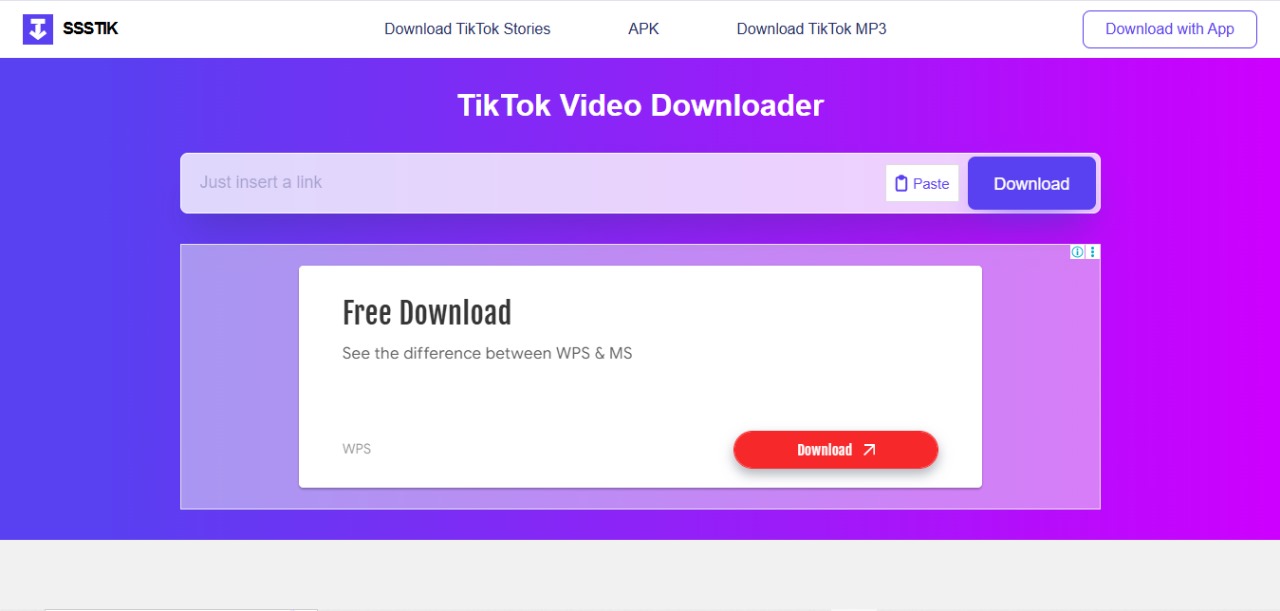 SSSTikTok is a browser-based downloader known for speed and reliability. It supports MP4 and MP3 formats, works on all devices, and requires no installation. The downside is its ad-heavy interface.
Features:
- Converts TikTok videos to MP4 or MP3
- Browser-based, no software installation needed
- Compatible with Android, iOS, and PC
- High-quality download support
Pros:
- Lightweight and user-friendly
- No watermark included
- Fast processing speeds
Cons:
- Contains ads
- Limited functionality for private accounts
Pricing:
- Free
Best For:
- Users who need quick, no-fuss downloads.
3. SaveTik
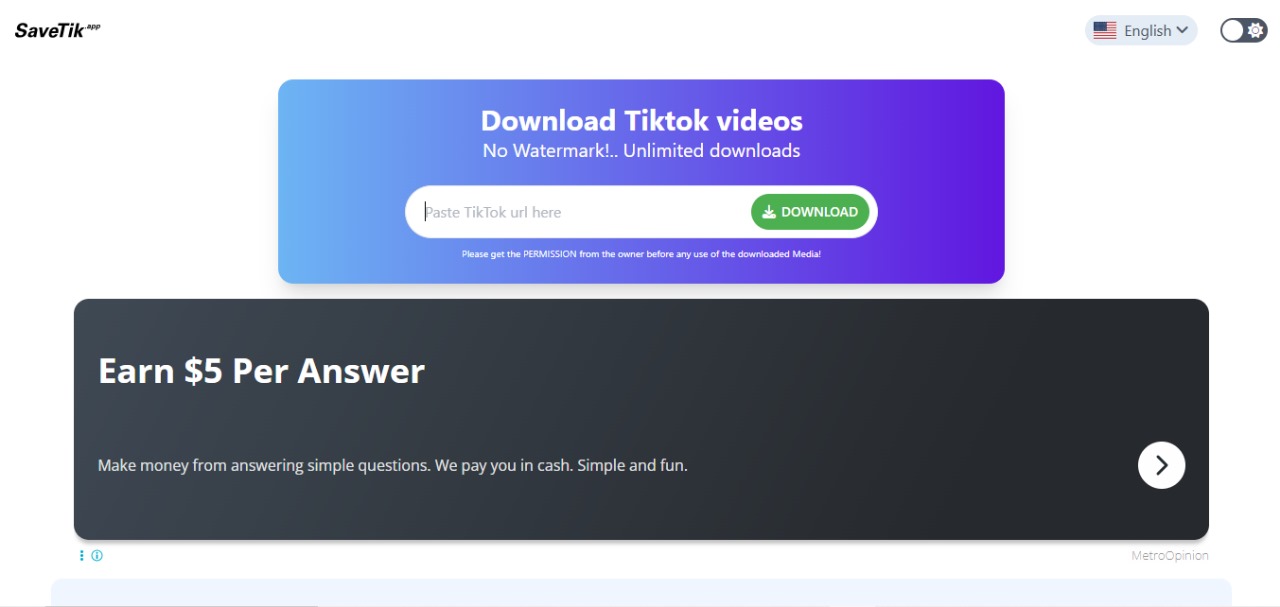
SaveTik is designed for high-quality video lovers, supporting HD and even 4K resolution. It also allows bulk downloads, making it popular among professional content creators. Free to use, but premium upgrades unlock faster downloads.
Features:
- Supports HD and 4K downloads
- Bulk downloading capabilities
- Fast and secure servers
- Multi-device compatibility
Pros:
- Perfect for professional-grade content
- Supports multiple formats (MP4, MP3)
- Reliable for large video files
Cons:
- Requires a stable internet connection
- Slightly slower than SnapTik for large files
Pricing:
- Free with premium upgrades
Best For:
- Content creators need high-quality videos.
4. TikMate
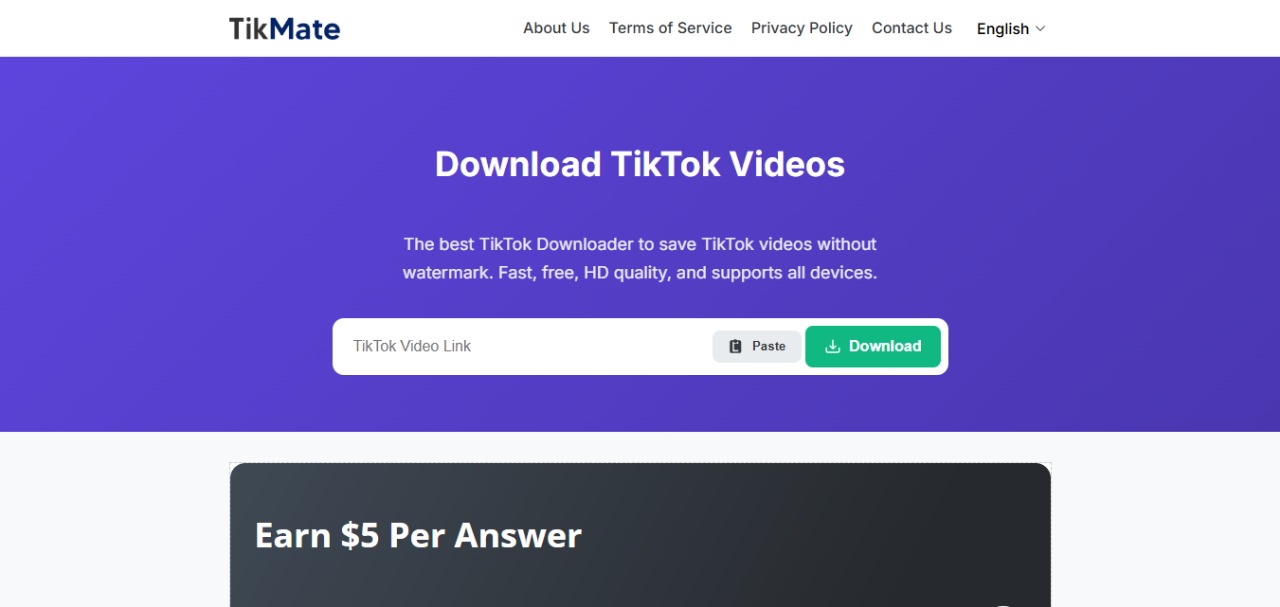
TikMate functions as both a video and audio downloader, converting TikTok videos to MP4 or MP3. It’s mobile-friendly and consistent but includes ads, and there’s no official iOS version.
Features:
- Converts videos to MP4 or MP3
- Unlimited watermark-free downloads
- Mobile and desktop compatibility
- Offline download support
Pros:
- Ideal for audio extraction (e.g., music or voiceovers)
- Mobile-friendly design
- Consistent download quality
Cons:
- Banner ads in the free version
- No official iOS app
Pricing:
- Free
Best For:
- Music lovers and editors needing audio files.
5. MusicallyDown
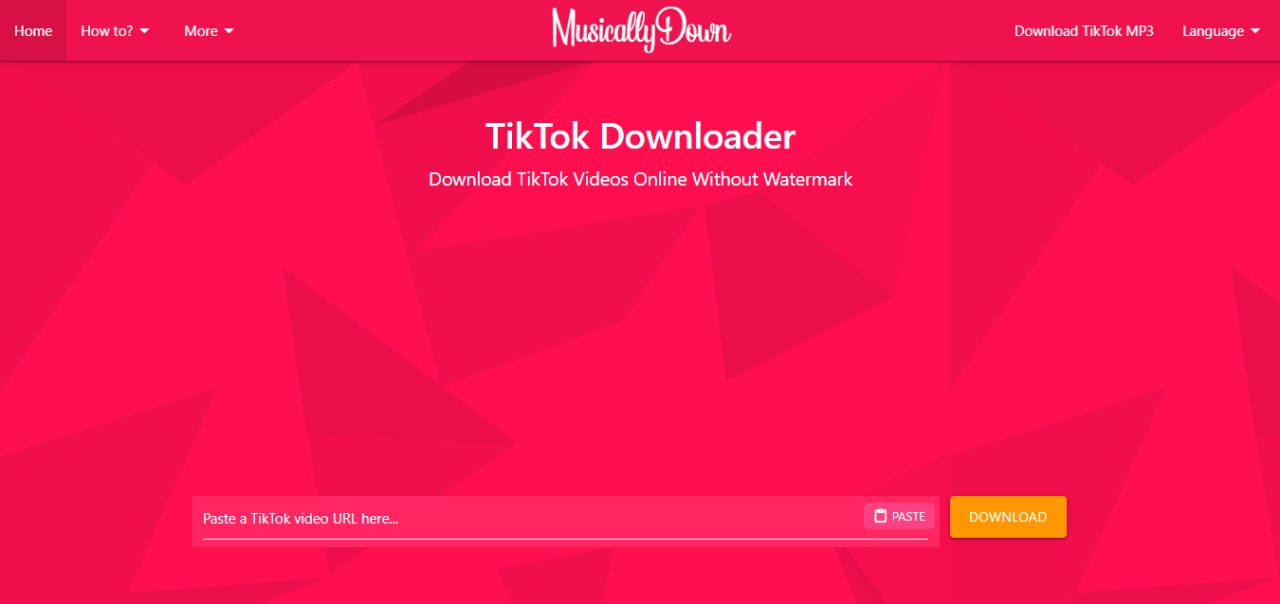
MusicallyDown is a simple, no-frills online tool. It supports HD video downloads and MP3 extraction, accessible through any browser. Its main limitation is that it has fewer advanced features compared to newer tools.
Features:
- Converts to MP4 and MP3
- HD download support
- Works on any browser
- Secure HTTPS connection
Pros:
- Simple and beginner-friendly
- Secure and reliable
- Decent download speeds
Cons:
- Limited advanced features
- Occasional server downtime
Pricing:
- Free
Best For:
- Beginners and casual users.
6. TikSave
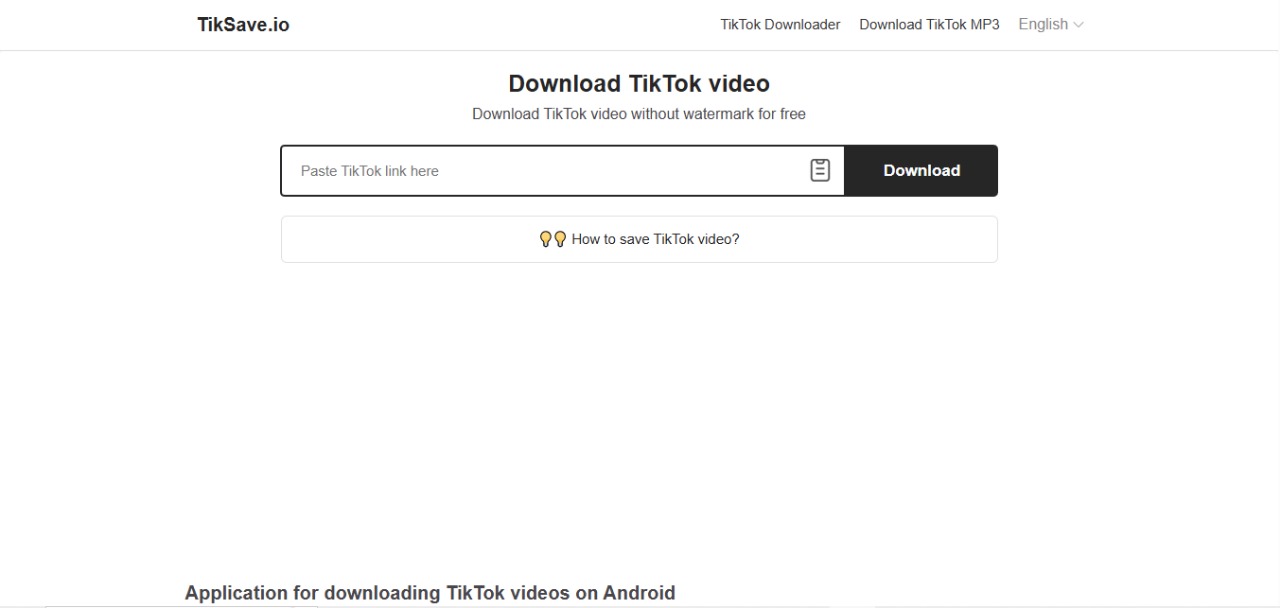
TikSave is an iOS-focused app that lets users save TikTok videos without a watermark. It integrates smoothly with iPhones and offers cloud storage options. Some features require a premium upgrade.
Features:
- Native iOS app
- HD download support
- Cloud storage integration
- User-friendly interface
Pros:
- Optimized for Apple devices
- Smooth performance on iOS
- Secure and private downloads
Cons:
- Some features require a premium purchase
- iOS-exclusive
Pricing:
- Free with premium options
Best For:
- iPhone and iPad users.
7. Downloaderi
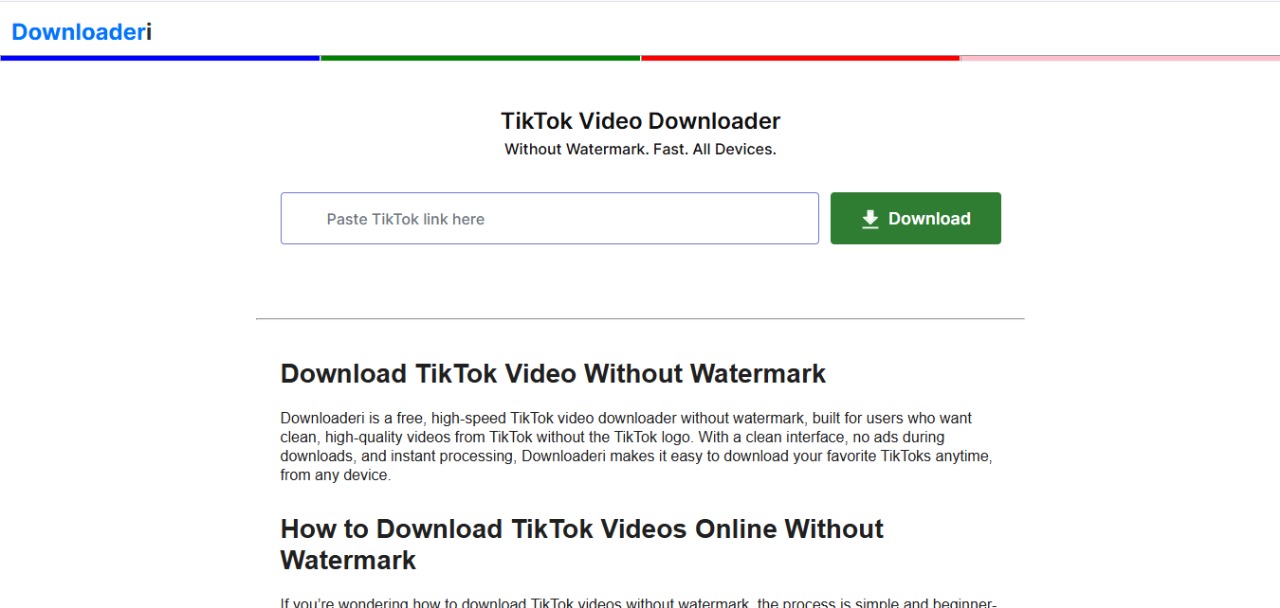
Downloader is a lightweight, cross-platform downloader. It doesn’t require sign-up, works directly in the browser, and supports both MP4 and MP3 formats. While convenient, it’s slower than other tools.
Features:
- Unlimited free downloads
- No login required
- Supports MP4 and MP3 conversions
- Multi-device compatibility
Pros:
- Safe and secure platform
- Simple browser-based interface
- No registration needed
Cons:
- Slower than some competitors
- Basic feature set
Pricing:
- Free
Best For:
- Multi-device users seeking simplicity.
How to Choose the Right TikTok Downloader in 2026
You can select the best TikTok downloader that’s what you need. Here’s a guide to help you decide:
- Device Compatibility: Ensure the tool works on your device. TikSave is ideal for iOS, while SnapTik and Downloader are great for cross-platform use.
- Video Quality Needs: For professional content, choose SaveTik for 4K support. Casual users can opt for SSSTikTok or MusicallyDown for HD.
Features:
Need audio extraction? TikMate excels. Want bulk downloads? SaveTik is your best bet.
User Experience:
Prioritize tools with minimal ads and intuitive interfaces, like SnapTik or TikSave.
Security:
Avoid tools requesting TikTok login credentials. All listed tools are secure and login-free.
What Is the Official TikTok Download Option?
Third-party downloaders are not always necessary.
TikTok itself allows users to save a post when the creator has enabled downloading. In the TikTok app, open the video, select Share, and tap Save video. If the Save video option does not appear, TikTok says the creator has not allowed others to download that post.
For your own content, an even better workflow is to preserve the clean source before publishing.
TikTok specifically recommends saving your video or photos to your device before posting if you want an offline copy.
For creators, that produces the strongest workflow:
Create original video
↓
Export clean master
↓
Back up original
↓
Upload to TikTok
↓
Use master for Reels/Shorts/editing
This is better than publishing first and then relying on a third-party downloader to reconstruct your original file.
Are TikTok Video Downloaders Safe?
A TikTok downloader should never be considered safe merely because it uses HTTPS or appears high in Google.
These are third-party websites, and their advertising networks, ownership, domains and behavior can change.
A safer browser-based workflow is to:
- never enter your TikTok password;
- never provide TikTok session cookies;
- avoid websites asking you to connect your TikTok account unnecessarily;
- avoid installing random APK, EXE or browser-extension files for a simple one-off download;
- distinguish the real download button from advertisements;
- reject unexpected notification requests;
- keep browser security protections enabled;
- scan unexpectedly downloaded executable files rather than opening them.
For an ordinary public TikTok URL, a downloader generally does not need your TikTok password to perform the advertised function.
If a supposed downloader insists that you sign in before processing a normal public video, there is usually little reason to continue.
Safety and Legality of TikTok Downloaders in 2026
Safety
- Using TikTok downloaders is generally safe if you stick to reputable tools. Here are some tips:
- Choose well-known platforms like SnapTik, SSSTikTok, or TikSave.
- Avoid downloading executable files from unverified sources to prevent malware.
- Use secure, HTTPS-enabled websites to protect your data.
Legality
- Downloading TikTok videos without watermarks is legal for personal use. However:
- Republishing or redistributing content without the creator’s permission may violate copyright laws or TikTok’s terms of service.
- Always credit original creators when sharing content and obtain permission for commercial use.
- Be cautious with private or restricted videos, as downloading them may breach privacy policies.
Step-by-Step Guide to Downloading TikTok Videos Without a Watermark
- Find the Video: Open TikTok and locate the video you want to download.
- Copy the Link: Tap the “Share” button and select “Copy Link.”
- Visit the Downloader: Open a tool like SnapTik, SSSTikTok, or SaveTik in your browser or app.
- Paste the Link: Enter the copied link into the downloader’s search bar.
- Select Format and Quality: Choose MP4 or MP3 and your desired resolution (e.g., HD or 4K).
- Download: Click the download button to save the watermark-free video to your device.
Why Does a TikTok Downloader Sometimes Fail?
Even a downloader that works today may fail on a particular TikTok tomorrow.
Common causes include:
| Problem | Likely Cause | What to Do |
| Video cannot be found | Video was deleted or made private | Confirm the original TikTok still opens |
| Link not recognized | Short URL has not resolved correctly | Open the TikTok link first, then copy it again |
| No HD option | Higher-quality source is unavailable | Use the best genuine option offered |
| Downloader stops processing | TikTok changed media access | Try again later or use another established service |
| Watermark still visible | Watermark is embedded in the creator’s original video | A normal source-file downloader cannot remove a burned-in graphic |
| No download option | Content is private/restricted | Do not attempt to bypass the restriction |
This is why a 2026 comparison should judge these services as changing tools, not permanent software specifications.
Expert Insight: “No Watermark” Does Not Mean “Original Quality”
This is one of the most important distinctions in this entire topic.
A TikTok downloader may successfully provide a video without TikTok’s moving logo while still delivering a file that has already undergone platform compression.
Think of video quality as:
Original camera file
↓
Edited master
↓
Uploaded file
↓
TikTok processing/compression
↓
File exposed to downloader
A downloader operates near the bottom of this chain.
It cannot recreate visual information that disappeared earlier.
This means claims such as “HD,” “Full HD” or “4K” should always be interpreted as available output resolutions, not guarantees that the downloader retrieved the untouched original camera master.
For professional content repurposing, preserve your original exported video outside TikTok.
Common Mistakes to Avoid
Reposting Someone Else’s Content Without Permission
Removing the TikTok watermark does not remove the creator’s rights.
Better approach: Use your own content, licensed material or obtain permission before commercial reuse.
Entering TikTok Credentials Into a Downloader
A normal public-video downloader should not require your account password.
Better approach: Prefer URL-only browser tools.
Downloading Random Apps Instead of Using the Web Version
A downloader app introduces additional software and permissions that may not be necessary for an occasional download.
Better approach: For one-off downloads, use the browser version where possible.
Assuming “4K” Means Better Quality
Resolution labels do not tell you everything about bitrate or compression.
Better approach: Inspect the downloaded file and compare it with your original when quality matters.
Using One Downloader as Your Permanent Backup System
Third-party services can disappear or stop working.
Better approach: Keep your own original videos in cloud or local storage before publishing.
Tips for Using TikTok Downloaders Effectively
- Check Video Privacy: Ensure the video is public to avoid downloading issues.
- Test Download Quality: Download a sample video to verify the tool’s output quality.
- Use Ad Blockers: For ad-supported tools, an ad blocker can improve the experience.
- Organize Downloads: Create folders to manage downloaded videos for easy access.
- Stay Updated: Check for tool updates or new features to ensure optimal performance.
Conclusion
In 2026, TikTok video downloaders without watermark are essential tools for creators, marketers, educators, and casual users alike. Whether you’re repurposing content for YouTube Shorts, crafting professional marketing campaigns, or saving videos for offline enjoyment, tools like SnapTik, SSSTikTok, SaveTik, and TikSave offer reliable, high-quality solutions. For quick and simple downloads, SnapTik and SSSTikTok lead the pack. Professionals seeking 4K quality or bulk downloads should opt for SaveTik, while iOS users will find TikSave ideal for seamless integration.
When using these tools, prioritize safety by choosing reputable platforms and respect copyright laws by obtaining permission for commercial use. With the right downloader, you can unlock the full potential of TikTok’s vibrant content, creating clean, watermark-free videos ready for editing, sharing, or archiving.
Frequently Asked Questions (FAQs)
What is the best TikTok downloader without a watermark in 2026?
SnapTik is the top choice for its speed, reliability, and ease of use.
Can I download TikTok videos in 4K?
Yes, SaveTik supports 4K downloads, ideal for high-quality content.
Is it legal to download TikTok videos without watermarks?
It’s legal for personal use, but redistributing content without permission may violate copyright laws.
What’s the safest TikTok downloader for iOS?
TikSave is optimized for iOS, offering secure and user-friendly downloads.
Do TikTok downloaders require sign-up?
Most tools, including SnapTik, SSSTikTok, and Downloaderi, require no registration.
Can I download private TikTok videos?
Most downloaders cannot access private videos due to TikTok’s privacy settings.
Are there premium options for TikTok downloaders?
Tools like SaveTik and TikSave offer premium upgrades for ad-free experiences or advanced features like bulk downloads.

